Post Summary
You have 35 locations. Your brand standards binder is thorough. Your district managers cover their routes on schedule.
But your audit scores say otherwise.
Three stores keep failing on signage. Two have handwash sink photos that look nothing like your SOP. And by the time any of it surfaces, the issue has been sitting there for weeks. Nobody caught it because nobody had proof it was happening.
That gap is exactly what photo verification closes.
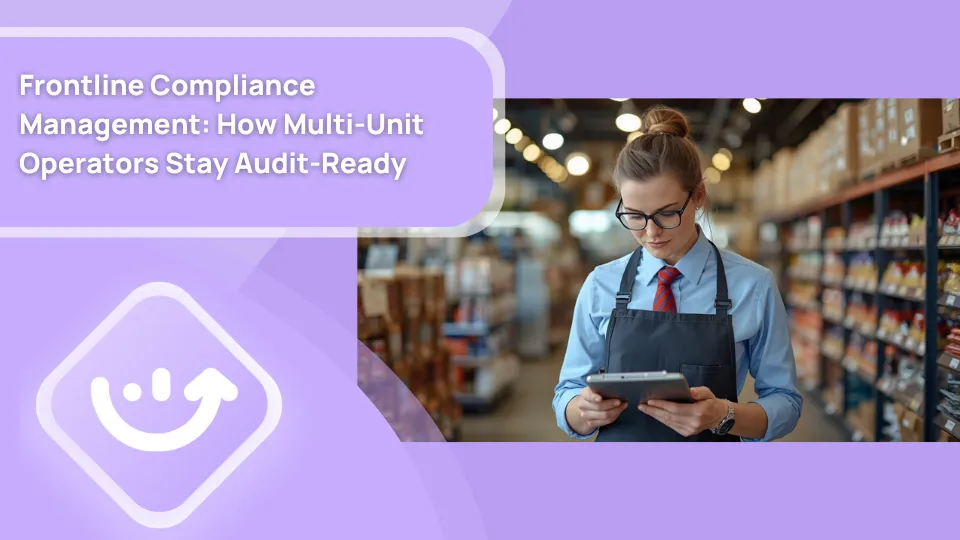
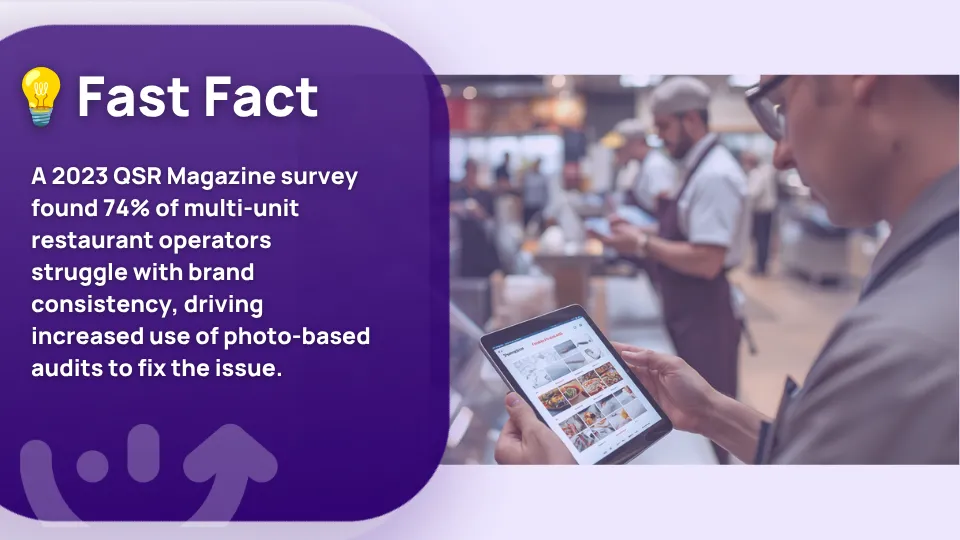
Multi-unit operators who rely on checkbox compliance are flying blind between audit cycles. Visual compliance programs that require photo evidence at the checklist level catch those gaps in hours, not weeks. And with AI photo compliance scoring now built into operations platforms, the review burden does not grow as you scale.
This guide covers what visual compliance actually means, the five use cases where photo audit programs pay off fastest, how AI photo scoring works step by step, how to build a program your managers will actually use, and how to measure whether it is working.
.svg)

Priced on per user or per location basis
Available on iOS, Android and Web


Related resources
- Brand standards audit guide
- Operations execution checklist
- Multi-unit operations execution
- Corrective action process
- Visual checklist software
- Restaurant line checks vs compliance audits
- AI restaurant compliance
What visual compliance means in 2026
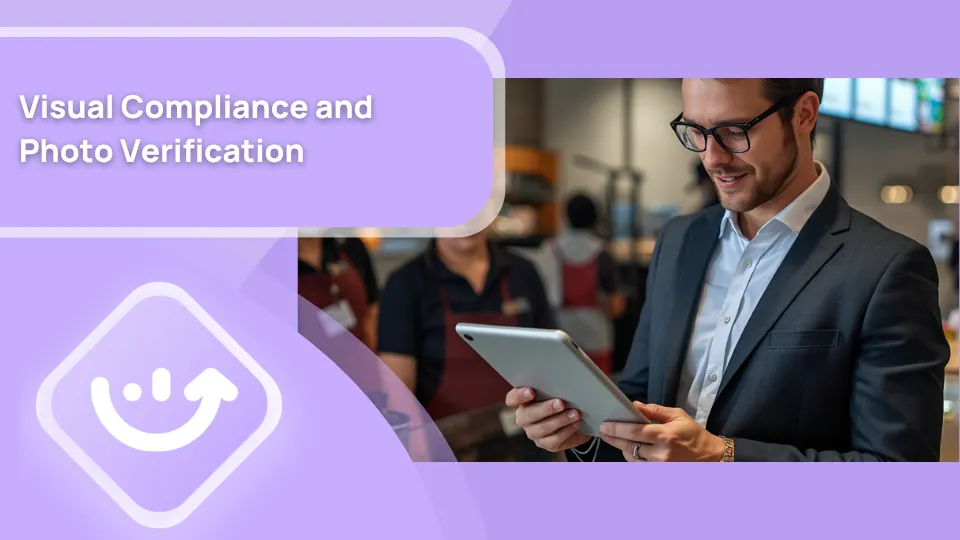
Visual compliance means proving the work was done correctly. Not just that someone said it was done.
A text-only checklist tells you a manager confirmed the line check was complete. A photo verification system shows you the actual prep line, timestamped, from the actual location, during the actual shift.
That difference matters more than most operators realize. Multi-unit teams know what pencil whipping looks like in practice. Managers mark tasks complete because the system requires it. With photo evidence attached to each step, that changes. The photo is a record. It can be reviewed, scored against a reference image, and flagged for corrective action if it does not match the standard.
Here is how the two approaches compare at scale:
**
Compliance method, What it captures, Scalable, Audit-ready
Text checkbox, Acknowledgment only, Yes, No
Photo upload-no standard, Visual record only, Yes, Partial
Photo vs. reference image, Verified compliance, Yes, Yes
AI photo scoring, Verified compliance with auto-flag, Yes, Yes
**
Beyond day-to-day operations, photo documentation matters in health department inspections, liability situations, and franchise compliance reviews. A timestamped photo log is a legal record. A checked box is not.
The gap between text-only compliance and visual compliance is the gap between catching a brand standard failure the same day and catching it six weeks later during a scheduled store visit. For multi-location operations execution, that detection window is everything.
5 use cases of photo verification in multi-unit ops
Start by picking the areas where your current audit data shows the highest failure rate. Photo verification does not need to cover everything on day one. Build around your actual problem areas first.
1. Brand standard compliance
Signage placement, promotional displays, uniform standards, front-of-house setup. These are the most common targets for visual compliance restaurant programs. Corporate defines the standard, attaches a reference photo, and managers submit images at the required checklist step.
AI photo compliance tools compare the submitted image to the stored reference. A 92% match on a signage check passes. A 58% match gets flagged for district manager review. The district manager looks at flagged photos, not all 300 that came in that shift.
This is also where photo audit processes deliver for retail. Planogram compliance, end-cap displays, and seasonal resets all rely on photo-to-reference comparison at the store level. For retail operators, our article on AI image recognition for planogram compliance covers that in detail.
You can also see how brand standards photo verification fits into a broader program in our brand standards audit guide and brand compliance articles.
2. Food safety documentation
Line check evidence is where photo verification delivers clear, immediate value for restaurants and c-stores. A manager photographs the prep line, the temperature readout, and the labeled containers. That photo creates a timestamped record tied to the checklist step, the location, and the time.
For food safety compliance, this kind of photo audit documentation is much stronger than handwritten logs. Our guides on food safety monitoring and digital food safety management systems cover how operators are building these records into daily workflows. The food safety audit guide is also worth reading if you are setting up a formal program.
For c-stores specifically, photo-based food safety documentation ties directly into convenience store temperature monitoring workflows.
3. Opening and closing checklist verification
An opening photo of your dining room at 6:45 AM tells you whether setup matched your standard before the first guest arrived. A closing photo confirms the kitchen was left in proper condition before lockup.
This is one of the simplest places to start a photo verification program because the workflow already exists. You are adding a photo requirement to steps managers already complete each shift. Our article on restaurant opening and closing checklists covers the full structure. The operations execution checklist connects this to your broader multi-location program.
For convenience stores, the same principle applies to shift handover. See our guide on daily convenience store checklists for how c-store operators are building this in.
4. Maintenance issue documentation
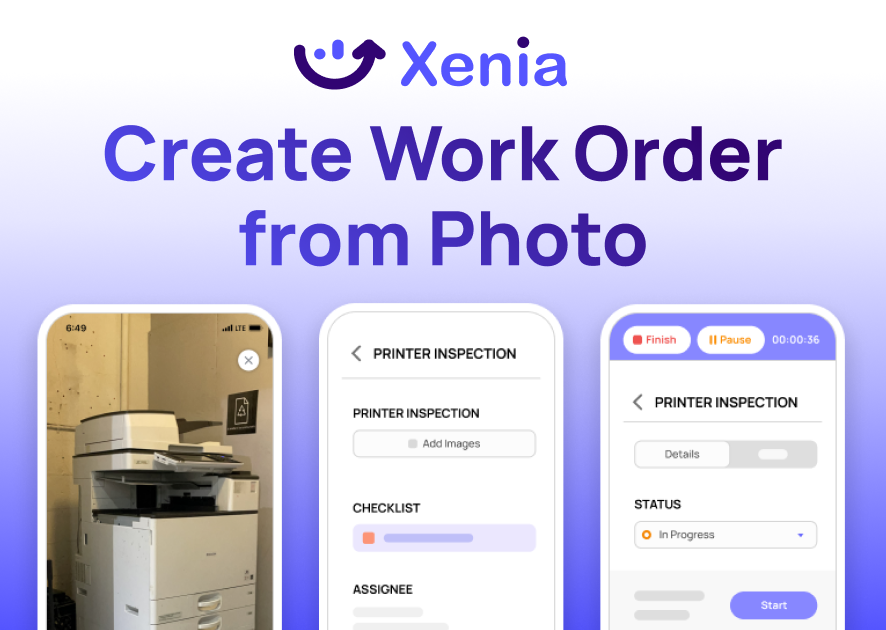
A manager notices the exhaust fan is making unusual noise. They photograph it, submit a work order, and the photo attaches to the ticket automatically. When the repair is done, a follow-up photo closes the loop with before-and-after evidence tied to the date and technician.
This photo audit workflow for maintenance is underused at most multi-unit operations. It creates accountability without requiring a district manager site visit for every reported issue. Our guide on restaurant maintenance covers how to integrate photo documentation into equipment tracking workflows.
5. Incident reporting
When a spill occurs, a guest slips, or an employee is hurt, the first photo taken at the scene becomes part of the formal incident record. It is timestamped, geotagged, and attached to the report. It cannot be retroactively changed.
Our articles on operational audit and corrective action process cover how to connect incident photo documentation to a resolution workflow that actually closes the loop. The restaurant corrective action article is also directly relevant here.
How AI photo compliance scoring works
Manual photo review does not scale past a certain point.
Ten locations submitting photos across ten checklist steps per shift generates hundreds of images per day. Someone reviewing all of them manually is a full-time job. That model falls apart completely at 50 or 100 locations.
AI photo audit scoring changes that math. Here is the full step-by-step workflow:
**
Step, What happens
1. Manager opens checklist, Reaches a step requiring photo verification. Takes the photo per the angle and lighting instructions in the SOP.
2. Photo submits automatically, Image uploads with timestamp-geotag and location ID attached. No manual entry required.
3. AI analyzes the image, Object recognition compares the submitted photo to the stored brand standard reference. Checks presence-positioning and condition of required elements.
4. Compliance score returned, Photo gets a score. Above threshold: pass. Below threshold: flagged for review.
5. Manager sees result, Can accept or contest the score. Contested photos route to a district manager for human review.
6. Corrective action created, Non-compliant photos automatically generate a corrective action task with assignment-deadline and tracking.
**
The AI filters volume. Out of 400 daily photos across 20 locations, maybe 25 get flagged. Those 25 get human attention. The other 375 are logged, scored, and stored as compliance records.
District managers spend their time on actual problems, not reviewing photos of compliant prep stations.
This is how AI photo compliance makes brand standards photo verification viable at 50 locations, not just 5.
For more on how photo-based audit workflows connect to broader quality control, see our articles on visual checklist software, audit and inspection, and pass/fail inspection guide.
How to design a visual compliance program
Most photo verification programs that fail do so for one of two reasons.
Either managers are asked to submit photos with no reference standard to compare against. Or the rollout skips a pilot phase and hits all locations at once.
Here is the sequence that works:
Step 1: Pick your top 10 brand standards that need photo proof
Start with the standards that fail most often in your current audits. For restaurants, that usually means handwash sink compliance, line check setup, signage placement, and uniform standards. For retail, planogram compliance and promotional display setup are the most common starting targets. Do not try to cover everything on launch day.
Step 2: Create a reference photo for each standard
Every photo audit step needs a reference image. A well-lit, properly angled photo showing exactly what compliant looks like. Without it, the AI has nothing to score against. And even without AI, managers cannot know what you expect unless you show them clearly.
This is the step most operators skip. It is also the step that determines whether your entire program works.
Step 3: Train your managers on photo angles and lighting
A photo taken from the wrong angle fails an AI check even when the actual condition is fully compliant. Spend 15 minutes demonstrating the correct angle, distance, and lighting for each step. Document those instructions inside the checklist itself. This 15-minute investment saves significant rework in the first weeks after rollout.
Step 4: Pilot with five locations for four weeks
Choose five locations with different volume levels and different manager experience. Run the program for four weeks. Review compliance data. Identify what is producing false positives or false negatives. Note where managers are struggling with photo quality.
Step 5: Roll out and measure
Adjust reference photos and scoring thresholds based on what the pilot reveals. Then roll out to all locations. Compare audit pass rates before and after. That delta is your baseline ROI.
For a broader view of how this fits into your ops platform rollout, our article on frontline operations platform rollout and adoption covers the change management side of this well.
Common photo verification mistakes
These are the four mistakes that show up most consistently in photo audit programs that do not deliver results.
Asking for photos with no reference standard attached is the most common one. If you collect photos but have not defined what compliant looks like, you are building a database with no audit value. Storage is not compliance.
Reviewing every photo manually works at five locations and breaks at fifteen. Set up AI scoring or at minimum a threshold-based routing system. Only flagged photos should reach human reviewers.
Not taking corrective action on non-compliant photos teaches your managers that the audit does not matter. If a photo fails and nothing follows, the program loses credibility fast. Every failed photo needs a corrective action, a deadline, and a follow-up photo confirming resolution.
Photographing customers or payment screens by accident is a real privacy risk in guest-facing areas. Your photo verification SOP should define exactly which areas can be photographed, when, and what to do if a customer is accidentally captured in the frame.
For more on what happens when audit programs lack follow-through, our article on the risk of paper-based operations covers the accountability gap in detail.
You can also read our guide on brand consistency risk reduction strategy to understand how photo verification connects to broader brand protection.
Photo verification tools for multi-location operators
Xenia AI Photo Rollouts
For multi-unit operators in restaurants, retail, convenience stores, and hospitality, Xenia's AI Photo Rollouts is built for operations and brand standard photo verification.

You configure the checklist step, upload your reference photo, and set the compliance threshold. Managers submit photos from the mobile app. The AI scores each submission against your reference. Non-compliant submissions automatically generate corrective action tasks routed to the right person.
What separates Xenia from general inspection apps is that photo verification connects to your full multi-location operations execution workflow. Non-compliant photos do not sit in a folder somewhere. They become tracked tasks inside your audits and inspections workflow, visible on your brand standards compliance dashboard, and connected to your multi-unit operations reporting.
Xenia also handles weighted audit scoring, conditional visibility on checklist items, and corrective action escalation. The photo submission connects to task management, employee accountability, and frontline reporting in one place.
For retail operators evaluating the broader field, our articles on best retail audit software and best restaurant audit inspection software compare the options.
For hospitality operators, the hospitality checklist app article and hotel maintenance audit checklist guide show how photo verification applies in that context.
Xenia has a free plan for up to five users and a 14-day free trial. It is not a scheduling or payroll tool. It complements your existing HR and workforce systems rather than replacing them.
Measuring the ROI of visual compliance
Four numbers tell you whether your photo verification program is working.
Audit pass rate lift. Compare location audit scores before and after photo verification rollout. Most operators see a 15 to 25 percentage point improvement within 90 days. The reason is direct: when managers know the photo will be scored, they make sure the condition is correct before submitting. Prevention happens at the point of execution.
District manager time recovered. A district manager who previously spent four hours on a location walkthrough can often cover the same review in 90 minutes using photo documentation. Time recovered there goes toward coaching, problem-solving, and higher-value oversight across more locations.
Brand standard drift detection time. Without daily photo checks, brand standard drift goes undetected for weeks between scheduled visits. With shift-level photo verification, the average detection window drops to 24 to 48 hours.
Repeat audit findings. A finding that appears in the same location across two consecutive audits signals a corrective action failure. Track repeat findings as a percentage of total findings. Expect that number to fall month over month as your corrective action workflow matures.
To understand how these metrics fit into broader performance tracking, our articles on operational dashboard best practices, restaurant dashboards, and monthly ops reviews are worth reading alongside this one.
Conclusion
Checkbox compliance tells you someone said the work was done. Photo verification tells you what the work actually looked like.
For multi-unit operators managing brand standards across dozens of locations, that distinction determines whether you catch a problem during the shift it happens or six weeks later at the next scheduled visit.
That is exactly what Xenia is built for. AI Photo Rollouts lets managers submit photos against reference standards from the mobile app, scores them automatically, and turns failures into corrective action tasks without any manual review. Everything connects to your brand standards compliance dashboard in one place.
Frequently Asked Questions
Got a question? Find our FAQs here. If your question hasn't been answered here, contact us.
What is brand standards photo verification used for?

It confirms that what is happening on your floors matches what corporate requires. Signage, merchandising, uniforms, food safety setup, cleanliness. VPs of Operations and Brand Standards Directors at multi-unit restaurants, retail chains, and c-stores use it to replace periodic store visits with daily photo evidence collected every shift.
What is the difference between a photo audit and a standard digital checklist?
A digital checklist captures a manager saying the task is done. A photo audit captures what it actually looks like. The photo is a legal record. It can be scored, stored, and pulled up during a health inspection or franchise review. A checkbox cannot do any of that.
What is an AI photo audit?
It is a system that scores submitted photos against your stored reference images automatically. It checks whether the right things are in the right place and returns a pass or fail. Flagged photos go to a human for review. Everything else gets logged. This is what makes photo compliance workable at 50-plus locations.


A Modern, AI-Powered Platform Built Specifically for Frontline Operations
Xenia brings daily operations, maintenance, audits, and compliance into one mobile-first platform. Frontline teams execute work consistently across locations while leadership gets real-time visibility.
Why Multi-Location Operators Choose Xenia:
🤖 AI-Powered Operations, Create digital checklists instantly or convert paper forms with AI. Verify compliance automatically with photo analysis and get instant answers from your operational data.
✅ Daily Operations & Maintenance, Assign work across hundreds of locations in minutes. Report and route issues instantly. Schedule preventive maintenance to catch problems before downtime.
📊 Real-Time Visibility, Track completion, work orders, and performance across all locations through dashboards. Filter by site or asset to spot trends and take action.
Manage operations, maintenance, and compliance across all your locations from one platform

.svg)
.webp)
%201%20(1).webp)

.svg)
%201%20(2).webp)