Summary
What is an offline work order app?
An offline work order app is maintenance software that lets a worker create a work order, attach a photo, and set a priority with no internet or cell signal. The request saves on the device and syncs the moment connectivity returns. Nothing gets lost when the site has no WiFi and no bars.
A work order is a tracked request to fix, service, or inspect a physical asset.
That covers a dead fuel pump, a warm walk-in cooler, or a rooftop HVAC unit that stopped cycling. It is different from preventive maintenance, which is scheduled service done before something breaks. Offline capture matters most for the break you did not plan for.
Here is the distinction most vendors blur. Most "offline work order" software means a technician app that caches assigned jobs so a logged-in tech can update them underground or in the field. That is useful.
It is not the same as letting the person who found the problem report it with no signal and no account. A work order app with no internet should cover both jobs. The second one is where almost no tool holds up. A closing attendant who finds a dead pump is not a logged-in technician. They just need to report it before they leave.
Downtime is expensive, and the meter starts the second something breaks, not when someone finally logs the ticket. Siemens' True Cost of Downtime 2024 report found large enterprises lose a combined 1.4 trillion dollars a year to unplanned equipment downtime, about 11 percent of revenue. The clock starts at the break. So the report has to start there too.
Workflow diagram, submission to resolution
Here is how an offline work order app moves a problem from submission to resolution when the site has no signal. The finder captures it, the device queues it, and the moment the tablet reaches WiFi the request syncs and auto-routes. Routing fires on sync, not on a manual re-entry the next day.
- Break happens, no signal. A closing attendant at a rural fuel stop finds a dead pump at 11pm. The forecourt has no cell bars and the store WiFi is down.
- Scan the asset tag. The attendant scans the QR code on the pump with the store tablet or a phone camera. No login. No app install.
- Form opens pre-populated. The work request opens with the pump ID, store address, and category already filled from the asset tag.
- Capture the problem. The attendant types "won't start, no error code," sets severity to high, and takes a photo of the pump display.
- Queue on the device. With no signal, the request and the photo save locally. A visible "queued, will send when online" state confirms nothing was lost.
- Sync on reconnect. When the tablet reaches WiFi or the phone regains signal, the queued request and photo upload on their own. No re-typing.
- Auto-route. The instant the record syncs, the request routes by region, priority, and skill to the area maintenance tech and copies the DM.
- Approve and assign in the app. A manager reviews and approves the request in the authenticated Xenia app. Approval is not a no-login step. The work order gets an assignee and a deadline.
- Resolve and close. The tech fixes the pump, logs the fix with a photo, and closes the work order. If the deadline passes, the escalation chain fires from DM to Regional.
- Evidence trail. Submission time, sync time, photos, assignee, and resolution all live in one record for the service history.
This is where the no-login QR request earns its keep. A pump attendant scans the QR on a faulty pump, and the request routes to the area tech by region and notifies the DM. For the sibling patterns, see QR code work requests with no-login submission and scan-to-create work orders from asset tags.
How does Xenia's approach differ from a full CMMS?
A full CMMS like Limble, UpKeep, or Service Channel offers deep asset lifecycle, parts inventory, and vendor invoicing. Its offline mode is a technician app. The tech must log in and pre-sync before losing signal, and only assigned, open tasks are available offline.
Xenia is the frontline submission layer. Its offline strength is letting the person who found the problem report it with no login and no signal, then auto-routing it on sync. The two are complementary, not either-or.
The competitor gap is documented. Limble's offline mode states you must log in before going into an area without internet, and only tasks already open or in progress are available. UpKeep's offline guide lets users create draft work orders that only submit once they are back online, and the app is login-based. Neither offers a no-login QR submission that works offline.
Third-party vendors can even submit work requests without a login in Xenia, which no login-first CMMS supports.
| Attribute | No-login QR submission (Xenia) | Login-based technician offline (Limble, UpKeep) |
|---|---|---|
| Who can submit offline | Any staffer or third-party vendor, no account | Only a logged-in, pre-synced technician |
| App install required | No, the scan opens a web form | Yes, native app installed and authenticated |
| Pre-sync before losing signal | Not required | Required, must load while online first |
| What is available offline | New request, photo, and severity, queued | Only tasks already open or assigned to that tech |
| Best for | The person who finds the problem | The tech already assigned the job || Capability | Xenia | Limble (CMMS) |
|---|---|---|
| No-login QR work request | Yes | No, login required |
| Works offline for the submitter | Yes, queues and syncs | Offline for logged-in techs only |
| Parts inventory and depreciation | No, not a full CMMS | Yes, CMMS depth |
| Auto-route by region, priority, and skill | Yes | Yes |
| Audits, daily ops, and comms in one app | Yes | No |
Xenia integrates with CMMS platforms rather than replacing them. Refuel runs Xenia for frontline ops and kept its Service Channel integration for asset depth. If you want the head-to-head, read the honest Xenia vs. Limble comparison. This is work order software offline mode built for the finder, not a claim to replace parts inventory or depreciation tracking.
.svg)

Priced on per user or per location basis
Available on iOS, Android and Web


How to set up offline work order capture in Xenia
Setting up offline work order capture in Xenia takes about an afternoon. You tag the assets, build a short request form, set the routing rules, and turn on no-login submission for the sites that need it. Then you test it in a real dead zone before rollout.
- Tag your assets. Print and place QR asset tags on the equipment most likely to fail at low-signal sites: fuel pumps, walk-in coolers, HVAC units, elevators, and back-room compressors. Each tag maps to an asset record. See QR code asset tagging for the label workflow.
- Build the work request form. Set the fields the finder should capture: problem description, severity from low to critical, a photo, and a category. Keep it short enough to finish in under a minute.
- Set routing rules. Configure the auto-route: which category and region go to which tech or vendor, plus the escalation chain from DM to Regional to Corporate if a critical ticket sits past deadline.
- Turn on no-login QR submission. Enable anonymous QR submission for the assets that need it. Staff and third-party vendors can then scan and submit without an account.
- Load the tablet once on WiFi. For shared store tablets, open Xenia while online so the app caches what it needs. This is the same pre-load every offline app needs.
- Test at a dead-zone site. Put a device in airplane mode, scan a tagged asset, submit a request with a photo, then reconnect and confirm it synced and routed correctly.
- Roll out and watch the queue. Deploy to the low-signal sites first. The dashboard shows queued versus synced and open versus closed, so a DM can see nothing is stuck.
Be honest about the limit. Offline mode fits low-connectivity sites, roughly under 2 megabytes per minute. Rural fuel stops and basements are the right fit. A store with reliable WiFi rarely needs it. Saying so builds trust with the operator deciding where to deploy.
One common question: what happens to a photo captured with no signal? The photo saves on the device with the queued record and uploads attached to that record on reconnect. The evidence and the ticket stay together, so an offline maintenance request never arrives half-documented.
Where do operators see results?
Operators see the payoff at rural and low-connectivity sites, where the old process was a phone call, a sticky note, or a "somebody log this tomorrow" that never happened. With offline capture, the report gets made at the moment of the break.
Downtime windows shrink and nothing falls through the shift change.
Refuel is the flagship proof point. Refuel operates 200-plus convenience stores, including rural fuel stops with intermittent connectivity. Its switching drivers were offline mode, work orders, and a retained third-party Service Channel integration.
A closing attendant completes and queues work on the tablet at a no-signal stop. When the device reaches WiFi the next morning, the request syncs and routes on its own. No data loss, no forgotten ticket. Offline mode is critical for rural and remote fuel stops, and Refuel called it out as a switching driver.
Where offline capture pays off, by vertical:
This is not a niche concern. As of June 2024 the FCC reported about 94 percent of US homes and businesses had broadband access through at least one provider, meaning roughly 1 in 16 locations still had none. Rural quality gaps run wider.
Ookla data cited alongside the report showed 31 percent of rural users at 100/20 Mbps versus 68 percent of urban users. For a multi-site operator with a rural footprint, a rural site maintenance app has to work when the signal does not.
What about a sync conflict when two devices come back online at once? Xenia handles it as deterministic queue-and-sync. Each device's changes are timestamped. If two devices edited the same record offline, the conflict is flagged for a manager to resolve, never silently overwritten and never AI-merged. That is the honest answer, and it matches how mature offline apps behave.
Running a scored audit offline is a different job.
If your team needs to complete a weighted inspection with no signal and sync the score later, see the offline audit app. For the full picture on submission, routing, and closure, start at the work order management hub and pair it with work order prioritization and smart routing. When the signal drops at a rural stop, Xenia makes sure the ticket still gets made.
Frequently Asked Questions
Got a question? Find our FAQs here. If your question hasn't been answered here, contact us.
What happens to a work order photo captured with no signal?

Can a closing attendant submit a QR work request at a site with no WiFi or cell coverage?
How does Xenia resolve a sync conflict when two devices come back online at once?
Which sites need offline work order capture the most?
Does offline mode delay routing once the device reconnects?


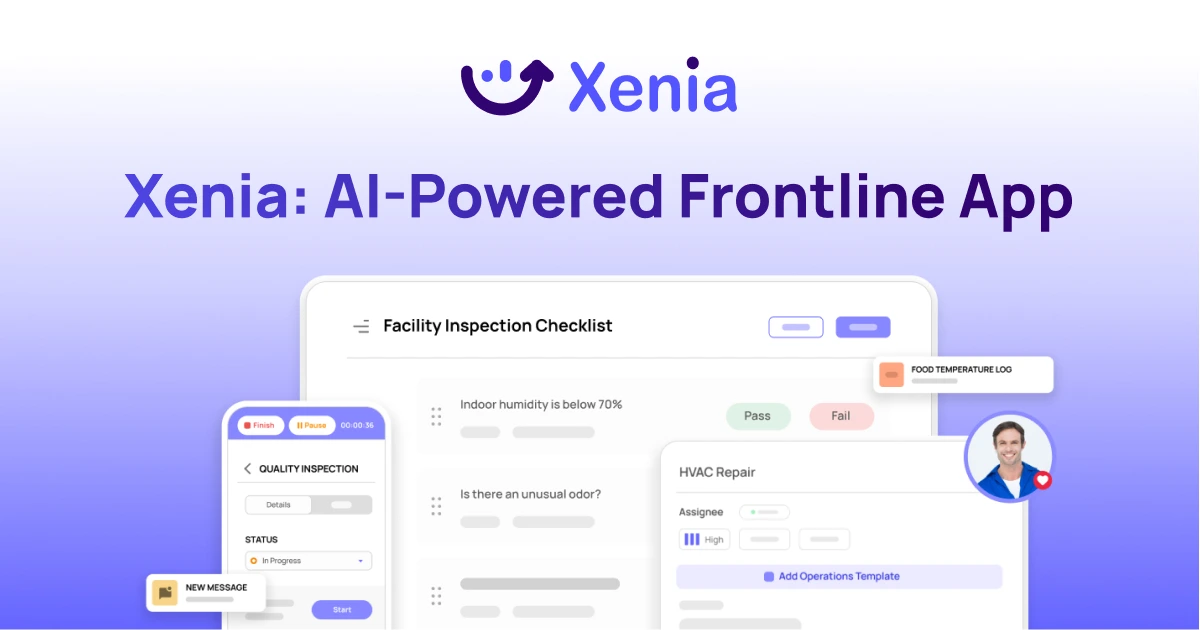
A Modern, AI-Powered Platform Built for Facility Operations
Xenia connects maintenance, safety, inspections, and daily operations into one mobile-first platform. Facility teams respond faster, prevent downtime, and maintain compliance, while leadership tracks performance across all buildings in real time.
Why Facility Managers Choose Xenia:
🤖 AI-Powered Inspections, Verify safety equipment and compliance automatically with AI photo analysis. Surface critical maintenance issues instantly with AI-powered summaries.
🛠️ Work Orders & Maintenance, Report issues via mobile or QR codes. Route requests to teams or vendors. Schedule preventive maintenance for HVAC, elevators, and emergency systems to reduce downtime.
📊 Safety & Visibility, Deploy fire safety and hazard inspection workflows. Monitor work order resolution times and asset health across all facilities.
Manage work orders, maintenance, and safety inspections across all facilities from one platform.

.svg)
.webp)
%201%20(1).webp)

.svg)
%201%20(2).webp)