

Summary
What is a maintenance backlog?
A maintenance backlog is the subset of open maintenance work that has aged past the point where it should still be sitting open. That includes deferred corrective repairs, overdue preventive maintenance, and requests that stalled without an owner.
A work order is the record of a single job. Deferred maintenance is any repair the team knows about and has postponed. Preventive maintenance (PM) is scheduled upkeep meant to stop failures before they happen.
Backlog is not the same as your open work-order queue. The open queue is every ticket that is not yet closed, including one opened an hour ago. A work order backlog is only the aged part of that queue. A little backlog is fine.
Zero backlog can even be a red flag. It usually means you are not capturing enough work or you are overstaffed.
CMMS teams measure backlog in crew-weeks, not raw ticket count. A crew-week is how many weeks of work the open queue represents against the team's weekly labor capacity. The formula is simple.
Take the total estimated labor hours of open work orders and divide by weekly labor capacity. Take 800 open labor hours and 5 techs at 40 hours each. That is 200 hours a week, so 4 crew-weeks of backlog. The f7i.ai guide to maintenance backlog management lays out this math in detail.
That framing is correct for one plant with one crew. It breaks for a 120-store brand. There the backlog is 120 small queues. Store #38's broken reach-in has been open 19 days. The area manager three regions over has no reason to know. For a multi-site operator, backlog is a visibility problem before it is a labor problem.
Workflow diagram, from aging request to cleared backlog
Clearing a multi-site backlog runs on one repeatable flow, from the moment work is spotted to the moment it is fixed and prevented. Here is the path a work order travels, written the way a store manager or area tech would actually read it.
- Capture. Store staff submit a work request. They scan a QR code on the asset or a manager logs it in the app. The form auto-populates the asset, the location, and the category. Nothing lives on a clipboard or in a group text.
- Triage. A manager reviews the request, sets a severity level, and approves or rejects it. Xenia uses a tiered severity model of low, medium, high, and critical. Duplicate and low-value requests get filtered here so they never enter the backlog. MaintainX calls this the gatekeeping step, and it is where a lot of backlog is quietly created or prevented.
- Assign and route. Approved work routes by region, priority, and skill to the right tech or third-party vendor. This is manual triage. A human approves and routes, so the process stays honest. An unassigned ticket is the single most common way work becomes backlog, so assignment happens now, not later.
- Age. Every open work order accrues an age in days and an overdue flag against its target date. Age is the metric the queue gets sorted by.
- Surface. The Above-Store-View rolls every location's open and overdue work orders into one view by site and region. Overdue and high-severity items sort to the top.
- Clear. A standing weekly review works the sorted list top-down. Closing a job requires evidence, a photo or a note, so closed means fixed, not just marked done.
- Prevent. Recurring items convert to scheduled PMs. The same failure stops re-entering the queue as reactive work.
The step that CMMS blogs cannot match for this audience is step 5. A single-facility tool surfaces one queue. A multi-unit operator needs every store's aging work in one ranked list. For the mechanics of moving a single ticket from open to closed, see the dispatch-to-resolution work order workflow.
How does a maintenance backlog build up across multiple sites?
A work order backlog builds when work gets identified faster than it gets cleared. Across multiple sites it hides, because no single person sees every location's queue. Three engines drive it. Deferred corrective work, PM slippage, and requests that are submitted but never assigned.
The common causes are well documented across the maintenance space:
The cost of letting backlog age is real. Per Plant Engineering's maintenance research, over 60% of equipment failures stem from aging assets and deferred maintenance, and equipment failure drives 42% of unplanned downtime, as aggregated by ReliaMag.
Emergency, urgently-ordered parts cost 30 to 40% more than planned purchases. Work deferred to failure commonly runs 4x to 8x the planned-repair cost once overtime, expedited parts, and secondary damage are added in, per Oxmaint.
Translate that into your world. A walk-in cooler backlogged past failure does not just cost a repair. It costs the product inside it. A fuel dispenser down at a rural C-store does not just wait on a vendor. It stops fuel sales at that island until the area tech arrives. That is the real price of backlog for a multi-unit operator.
.svg)

Priced on per user or per location basis
Available on iOS, Android and Web


Deferred corrective work and PM slippage
Deferred corrective work is any repair the team knows about and has postponed. PM slippage is preventive maintenance that missed its due date. Together they are the largest and most dangerous part of most backlogs. Deferred and overdue work is exactly the work most likely to fail without warning.
The multi-site angle matters here. A missed PM at one location is invisible.
A missed PM pattern across a region is a vendor or staffing signal. Track PM completion by location so slippage shows up as a trend, not a surprise. When reactive maintenance starts to dominate, PM is the first thing that slips. Convert recurring corrective items into scheduled PMs so the same fault stops coming back. The preventive maintenance schedule template gives you a starting cadence you can roll out across every site.
How to clear and prevent backlog in Xenia
Clearing maintenance backlog across sites comes down to four moves. Make every location's aging work visible in one view, sort by age and severity, run a weekly clearing cadence, and convert recurring failures into scheduled PMs so they stop coming back. Here is the playbook.
Scoped permissions make this work across a hierarchy.
An area manager sees their 15 stores, a regional sees all 60, and corporate sees everything, all on one account. For deep parts-inventory backlog analytics, asset depreciation, and vendor-invoicing workflows, a dedicated CMMS is the right tool. Position Xenia as the frontline layer that complements a depth-CMMS, not a replacement for one. The table below shows the reframe.
| Backlog question | Single-facility CMMS framing | Multi-site operator framing (Xenia) |
|---|---|---|
| Where is the backlog? | One plant queue a planner watches | 50 to 500 location queues rolled into one view |
| How is it measured? | Crew-weeks for one crew | Open and overdue work orders by site and region |
| How does work get captured? | Planner or tech logs it | Store staff scan a QR or submit in-app |
| Who sees an aging ticket? | The maintenance planner | The store manager, the DM, and corporate, by scope |
| What clears it? | Weekly planner review | Weekly above-store review, sorted by age and severity |
For a head-to-head on where a depth-CMMS still leads, see how Xenia compares to Limble and to Service Channel. To dig into how Xenia's work order tools handle capture and routing, start there.
Where do operators see results?
Operators see results when aging work orders stop hiding at individual sites and start showing up in one ranked view. The weekly review then clears the oldest work before it fails. The proof shows up in the numbers real customers report.
State the benchmark plainly for your team. A healthy backlog sits at roughly 2 to 4 crew-weeks of work, per f7i.ai, MaintainX, and ClickMaint. Under 2 weeks can mean you are not capturing enough.
Over 4 to 6 weeks signals a reactive environment where critical assets are at high risk. For a multi-unit operator, translate that into a number a DM can act on. No location should carry work orders older than the threshold you set.
Backlog is one lever. The full picture also includes maintenance KPIs and work-order metrics like mean time to repair and on-time completion. Recurring failures should route into corrective action tracking so the root cause gets addressed, not just the symptom.
To see the whole system in context, start at the work orders hub and follow how multi-site operators run capture, routing, and above-store visibility across every location, including Power Market's rollout in the C-store space.
Unassigned and stalled requests
An unassigned request is a work order submitted but never given an owner. A stalled request has an owner but no movement, usually waiting on parts, a vendor, or a decision. These are the quietest backlog contributors.
A ticket exists, so it looks like activity, while nothing actually happens.
The most common multi-site failure is simple. A store submits a request, it lands in a queue, and no manager triages or assigns it. It ages in silence. The fix is to assign at approval, not "when someone gets to it." A ticket with no owner should read as an alarm, not a backlog line.
Stalled-on-parts is honest territory for Xenia's scope. Xenia surfaces that a work order is waiting. Deep parts inventory and purchase-order tracking live in a full CMMS. Refuel keeps Service Channel for that asset and parts depth while running Xenia for frontline capture and above-store visibility. It also helps to separate a ready backlog from total backlog.
A ready backlog is work with parts on hand and the asset accessible, and the target is 1 to 2 weeks. Working the ready backlog first shrinks the number fastest.
Frequently Asked Questions
Got a question? Find our FAQs here. If your question hasn't been answered here, contact us.
What counts as a healthy maintenance backlog for a multi-site operator?

How do you decide which backlogged work orders to clear first?
How is backlog different from a normal open work-order queue?
Who owns the maintenance backlog at a multi-location brand?


A Modern, AI-Powered Platform Built for Facility Operations
Xenia connects maintenance, safety, inspections, and daily operations into one mobile-first platform. Facility teams respond faster, prevent downtime, and maintain compliance, while leadership tracks performance across all buildings in real time.
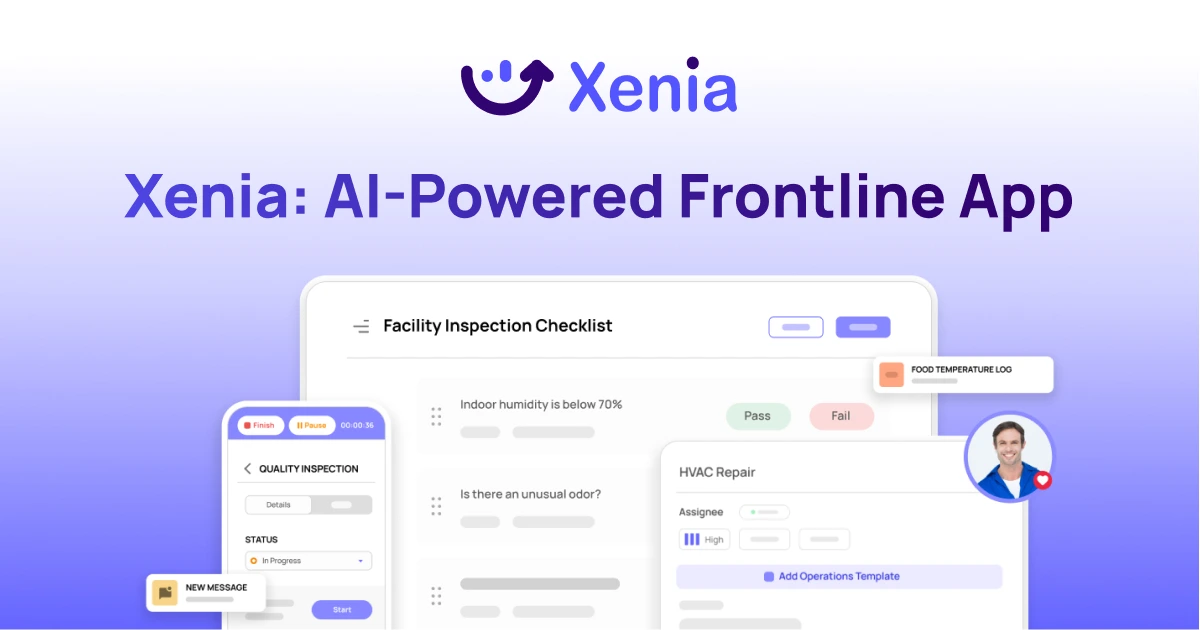
Why Facility Managers Choose Xenia:
🤖 AI-Powered Inspections, Verify safety equipment and compliance automatically with AI photo analysis. Surface critical maintenance issues instantly with AI-powered summaries.
🛠️ Work Orders & Maintenance, Report issues via mobile or QR codes. Route requests to teams or vendors. Schedule preventive maintenance for HVAC, elevators, and emergency systems to reduce downtime.
📊 Safety & Visibility, Deploy fire safety and hazard inspection workflows. Monitor work order resolution times and asset health across all facilities.
Manage work orders, maintenance, and safety inspections across all facilities from one platform.

.svg)
.webp)
%201%20(1).webp)

.svg)
%201%20(2).webp)


