Summary
What is the difference between work order software and a CMMS?
Work order software runs the ticket lifecycle. A CMMS contains work order software as one module, then adds the asset-engineering layer: a permanent asset register, preventive maintenance scheduling, parts and MRO inventory, and cost and depreciation tracking.
The category itself frames it cleanly. A work order system is digital task management for maintenance. Something breaks, you create a work order, you fix it. A CMMS "includes everything a work order system does, but is designed to be your entire maintenance command center," per Ecotrak's breakdown of CMMS vs. work order systems.
Limble anchors its own definition on "a definitive asset register that tracks every piece of equipment's complete service history," in its CMMS software guide. Somax draws the same line in its comparison of the two tools.
Here is the core split:
| Dimension | Work order software | Full CMMS |
|---|---|---|
| Center of the system | The request or ticket | The asset record |
| Primary posture | Reactive (fix what broke) | Proactive (prevent the break) |
| Preventive maintenance | Basic recurring tasks | Time and usage-based PM automation |
| Parts and MRO inventory | Usually none or light | Full inventory with reorder points |
| Asset history | Basic notes | Full lifecycle of failures, fixes, and downtime |
| Depreciation tracking | No | Yes |
| Vendor invoicing depth | Light | Deep, with POs and cost trends |
| Typical buyer | Ops or facilities manager | Maintenance engineer or reliability team |
| Who opens it daily | Store staff and managers | Maintenance techs |
A few terms are worth defining on first mention. A work order is a documented request to repair, replace, or maintain an asset, carrying the location, asset, category, priority, and status.
A CMMS is software built around a central asset register, defined in more depth in the computerized maintenance management system glossary entry. PM (preventive maintenance) is scheduled maintenance done before failure, driven by time or usage. MRO inventory covers maintenance, repair, and operations parts (belts, filters, compressors) tracked for reorder. The asset register is the permanent record of a piece of equipment and its full service history, covered in the asset register glossary entry.
Workflow diagram, submission to resolution in each system
Both systems move a problem from report to close, but they start in different places. Work order software starts at the request. A CMMS starts at the asset and treats the request as an event on that asset's timeline.
Here is the frontline path that work order software runs, the flow a closing attendant or store manager actually sees:
The CMMS path is asset-centric instead:
The takeaway is plain. The frontline path optimizes for speed and clarity of submission. The CMMS path optimizes for asset intelligence over time. Xenia builds the first path exceptionally well, and it hands off to a CMMS for the second where one exists.
If your open question is how a ticket gets from report to a verified close, the dispatch-to-resolution work order workflow breaks the frontline path down step by step.
When do multi-unit operators need a full CMMS?
You need a full CMMS when asset lifecycle depth becomes the daily job. That means managing parts inventory across a stockroom, running time or usage-based PM on capital equipment, tracking depreciation, or reconciling vendor invoices at volume. If your maintenance reality is "something breaks, submit it, route it, close it," work order software plus your existing checklists is enough.
Buy a full CMMS when:
You probably do not need a full CMMS when most of your maintenance is a store manager reporting a broken thing and needing it fixed fast. The people submitting requests are frontline staff who will never open a dedicated maintenance system.
You already run audits and checklists in another tool and want work orders to live with them, not in a separate silo. Your bigger problem is accountability and callbacks, not parts inventory math.
Here is the reader's tell. CMMS content is written for facilities engineers, not multi-unit brand operators. ServiceChannel's own best-of guide names schools, municipalities, and campuses as example use cases and never mentions restaurants, retail, or c-stores. If the CMMS marketing does not speak your vertical, the product may be deeper than your job.
The honest answer is often "both." Refuel runs Xenia for frontline ops and kept its Service Channel integration for asset depth. Xenia handles store-level submission, offline capture at rural forecourts, and routing across the convenience store operations platform.
Service Channel handles the deep asset and vendor-invoicing layer. If you are weighing the standalone comparison, the Xenia vs. Limble breakdown covers where each tool leads.
.svg)

Priced on per user or per location basis
Available on iOS, Android and Web


How Xenia covers work orders without a full CMMS
Xenia handles the request-to-resolution work order cycle at frontline-ops depth: QR-code submission, manager approval, auto-routing by region, priority, and skill, corrective-task closure with photo evidence, and a full audit trail.
It does not carry MRO parts inventory, depreciation, or deep vendor invoicing, and it does not claim to. Where that depth is needed, Xenia complements a CMMS rather than replacing it.
The workflow streamlines equipment repairs and facility requests from submission to resolution, and it tracks work orders across hundreds of stores with visibility into costs, vendor assignments, and completion status.
One detail matters more than the feature list: when an inspection fails, Xenia can auto-create the work order with the audit photo attached and route it to the maintenance team or vendor, with no manual re-entry. That is the closed loop covered in maintenance ticket closure tracking.
Work orders alongside audits, checklists, and comms
Xenia's real difference from a CMMS is scope, not depth. Work orders live in the same app as audits, daily opening and closing checklists, announcements, and team comms. A failed audit item becomes a work order automatically, and the whole record stays in one place.
The all-in-one payoff shows up in three everyday moments. A 4pm temp check reads out of range. The audit branches, requires a photo, and auto-creates a corrective task. Audit failure leads to an automatic corrective task, tracked to resolution, with escalation if it is not addressed by the deadline.
Most platforms collect audit data. Few drive it to closure, which is exactly what corrective action tracking is built to do. A c-store rolls out a new fuel-price policy as an announcement with acknowledgment and signature, then tracks execution in the same tool that logs the pump work orders. And pricing is flat per location, scaling from $200 for one store toward $30 per store at 500-plus.
A CMMS often prices per user or per asset, which punishes the frontline model where dozens of store staff need to submit but not to administer. The full work order management hub covers the rest of that lineup.
Where do operators see results?
Operators see the payoff in fewer manager phone calls, faster task resolution, and a paper-to-digital cutover measured in days, not months. These are Xenia's verified customer outcomes, cited by name.
Frame these as operator outcomes, not vendor claims. The pattern is fewer callbacks, faster closes, and a clean audit trail, achieved without standing up a full CMMS. The reason it holds across restaurants, forecourts, and back rooms is the same one that runs through convenience-store facilities management: the person reporting the problem is the person already in the app.
When submission is that easy, more issues get logged, and more issues get closed. If your maintenance depth genuinely outgrows that, keep the CMMS and let Xenia own the frontline layer. That is the split that works.
No-login QR submission and frontline UX
Store staff submit work requests by scanning a QR code on the asset. The form opens already populated with the asset ID, location, and category. Manager approval, assignment, and routing happen inside the app.
Picture the friction this removes. A pump goes down at a Refuel c-store at 11pm. The closing attendant scans the QR on the pump. The form opens pre-filled with the pump ID, store address, and category.
The attendant types "won't start, no error code," adds a photo, and submits. The request routes to the area tech and copies the DM. No phone call, no paper log. That is the QR-code work request pattern in practice: the pump attendant scans the QR on a faulty pump, and the request routes to the area tech by region and notifies the DM.
Be honest about the competitive line. Limble and UpKeep also support no-login QR and URL work requests, and Limble does not charge for requesters. Xenia's edge is not that it invented no-login submission. It is three other things.
The submitter is already in the app they use for checklists and comms, so adoption is one habit, not two systems. Neither Limble nor UpKeep offers a dedicated third-party vendor portal for no-login submission, a gap Facilio documents in its UpKeep vs. Limble comparison. And offline mode captures the request when a rural forecourt has no signal and syncs on reconnect, which Refuel named as a switching driver.
Frequently Asked Questions
Got a question? Find our FAQs here. If your question hasn't been answered here, contact us.
Can Xenia replace a full CMMS for a multi-location operator?

Do convenience stores and restaurants need a CMMS, or is work order software enough?
What does a CMMS have that Xenia deliberately does not?
Can Xenia run alongside a CMMS like Limble or Service Channel?


A Modern, AI-Powered Platform Built for Facility Operations
Xenia connects maintenance, safety, inspections, and daily operations into one mobile-first platform. Facility teams respond faster, prevent downtime, and maintain compliance, while leadership tracks performance across all buildings in real time.
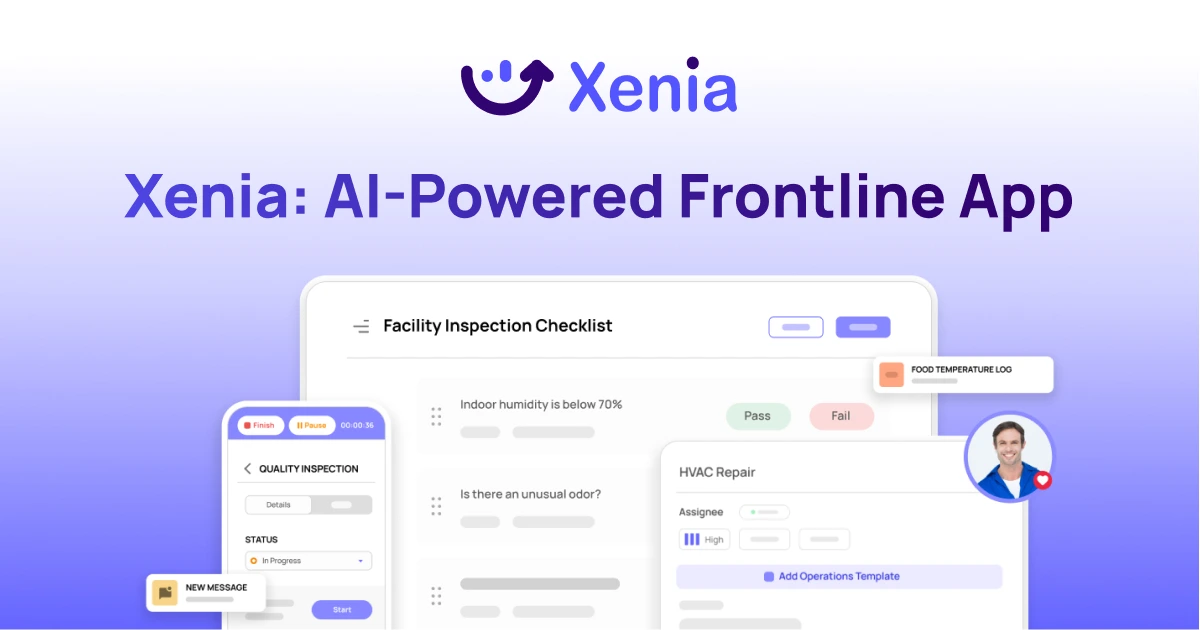
Why Facility Managers Choose Xenia:
🤖 AI-Powered Inspections, Verify safety equipment and compliance automatically with AI photo analysis. Surface critical maintenance issues instantly with AI-powered summaries.
🛠️ Work Orders & Maintenance, Report issues via mobile or QR codes. Route requests to teams or vendors. Schedule preventive maintenance for HVAC, elevators, and emergency systems to reduce downtime.
📊 Safety & Visibility, Deploy fire safety and hazard inspection workflows. Monitor work order resolution times and asset health across all facilities.
Manage work orders, maintenance, and safety inspections across all facilities from one platform.

.svg)
.webp)
%201%20(1).webp)

.svg)
%201%20(2).webp)