Summary
What is c-store work order management?
C-store work order management is the process of capturing, routing, and resolving maintenance issues across a convenience-store estate, from the forecourt to the cooler.
In Xenia, the intake is a QR-code work request: staff or a third-party vendor scans a code stuck on the asset, the form opens pre-filled with the asset, site address, and category, they add a description and a photo, and it routes to the right person. No account required to submit.
The c-store maintenance surface spans two zones most tools treat separately:
One flow has to handle both. That is the gap generic convenience store maintenance software leaves open, and it is the reason a broken pump and a warming cooler need to live in the same system.
A quick vocabulary check, because the terms get used loosely. A work order is a tracked record of a task with an assignee, a priority, and a status through to closure.
A work request is the raw report that comes before it ("pump 4 will not start") that a manager approves and converts into a routed work order. An asset tag is the identifier tied to a specific machine (Dispenser #4, Walk-in Cooler A) so service history follows the equipment, not the ticket.
The status quo this replaces is familiar. A closing attendant finds a dead pump at 11pm, calls someone, someone logs it the next morning, and nobody knows what was actually broken until the area tech shows up. With the U.S. running 151,975 convenience stores, 122,620 of them selling fuel per NACS, that is a lot of forecourts running maintenance off text threads and sticky notes.
Workflow diagram, forecourt submission to resolution
A pump failure gets to the right vendor without a phone call because the routing rules do the dispatching, not a person. Here is the full flow from submission to closure, written the way a closing attendant or an area tech would read it.
- Scan. The overnight attendant finds Dispenser #4 dead. They scan the QR sticker on the pump with a phone camera. The work-request form opens pre-filled: asset is Dispenser #4, site is the store address, category is fuel equipment. No app install, no login.
- Describe and photo. They type "will not start, no error code on display" and attach a photo of the blank screen. Severity is set on a tiered scale of low, medium, high, or critical.
- Approve. The request lands in the app for the manager or DM to approve, or it auto-approves for trusted categories. This step keeps junk out and preserves the audit trail.
- Auto-route. The rules read the category (fuel equipment), the site, and the severity, then send the ticket to the assigned area maintenance tech or fuel-equipment vendor for that region and copy the DM. A cooler ticket tagged refrigeration and critical routes to the refrigeration vendor instead. That is how the system separates a fuel-equipment ticket from an in-store maintenance ticket.
- Assign and track. The tech accepts, sets an ETA, and updates status. The DM sees live status across sites in the dashboard instead of chasing texts.
- Resolve and close with evidence. The tech marks it fixed with a photo and a note. The record stays attached to the asset tag, so the next failure shows the machine's full history.
- Escalate if stalled. If a critical ticket is not actioned by its deadline, it climbs the escalation chain from DM to Regional to Corporate.
This is where Xenia's QR-code work requests earn their place in a c-store: a pump attendant scans the code on a faulty pump, the request routes to the area tech by region, and the DM gets notified, all without anyone dialing a number. The same intake works for a visiting beverage or refrigeration vendor who does not have an account.
| Attribute | No-login QR request (Xenia) | Login-based ticket |
|---|---|---|
| Who can submit | Any clerk or visiting vendor | Only users with an account |
| Time to submit | Scan, describe, add photo, done | Find app, log in, locate site and asset |
| Asset and site accuracy | Auto-filled from the QR | Manually selected, error-prone |
| Adoption at 3am | High, no friction | Low, often skipped for a phone call |
| Approval and routing | Manager approves in the app | Handled in-app |
For the intake and dispatch side of this in more depth, see the guide on work order request software and no-login submission.
How does Xenia's approach differ from a full CMMS?
A full CMMS like Limble or Service Channel goes deeper on asset lifecycle: parts inventory, depreciation, PM engineering, and vendor invoicing. Xenia is the frontline submission-and-routing layer.
It makes it dead simple for a clerk or vendor to report an issue and get it to the right person fast, inside the same app the store already uses for audits, daily-ops checklists, cooler temp logs, and SOP announcements. Plenty of operators run both. Refuel kept its Service Channel integration and added Xenia for offline frontline execution.
One honest correction, because the QR angle gets oversold. A modern CMMS does offer no-login requests too. Limble states its work requesters are unlimited and free on all plans, reachable by QR code, URL, or email, and only technicians and managers need paid seats. So the edge is not "only Xenia has QR requests." The real difference in a c-store context is threefold:
| Capability | Xenia (frontline all-in-one) | Depth CMMS (Service Channel or Limble) |
|---|---|---|
| No-login QR or portal requests | Yes | Yes, Limble offers unlimited free requesters |
| Audits, daily-ops checklists, temp logs in one app | Yes | No |
| Frontline comms and SOP acknowledgment | Yes | No |
| Offline mode for rural stops | Yes | Varies |
| Parts inventory, depreciation, vendor invoicing depth | No | Yes |
| Contractor sourcing marketplace at scale | No | Yes, 70,000-plus contractors |
| Best fit | Multi-unit ops running one frontline app | Deep asset lifecycle and facilities engineering |
.svg)

Priced on per user or per location basis
Available on iOS, Android and Web


How to set up c-store work order routing in Xenia
Set up fuel site work order management in Xenia by tagging assets, printing QR codes, and writing rules that map category plus site plus severity to the right tech or vendor. The setup is straightforward for an area manager to own.
| Asset | Category | Typical severity | Routes to |
|---|---|---|---|
| Dispenser or hanging hardware | Fuel equipment | High or critical | Fuel-equipment vendor plus Regional |
| Walk-in or reach-in cooler | Refrigeration | Critical, 41°F rule | Refrigeration vendor plus DM |
| Roller grill or hot-hold | Foodservice equipment | Medium or high | Area tech plus store manager |
| Tap or fountain system | Foodservice equipment | Medium | Beverage vendor |
| Canopy or lot lighting | Facility | Low or medium | Electrical vendor |
| POS terminal | POS or hardware | High | IT or POS vendor |
Two regulatory hooks belong in the setup. When a tech services a dispenser or a compressor, OSHA 29 CFR 1910.147 lockout/tagout governs control of hazardous energy.
Xenia captures the work-order audit trail, but it does not auto-file OSHA reports. And recurring dispenser preventive maintenance (filter changes, hose and nozzle inspection) can be scheduled as recurring tasks, though not at the PM-engineering depth of a dedicated CMMS. One more cross-check: a failed cooler-temp inspection can generate a corrective task automatically.
The audit-side sibling on tap-system versus fuel-only c-store inspections covers the scoring half of that story.
Where do operators see results?
Multi-site c-store operators see results in fewer late-night phone calls, faster vendor dispatch, and a service history that follows each asset. The gains show up in vendor accountability and in the "who do I even call" friction disappearing off the closing shift.
The through-line is accountability. Every ticket is timestamped, assigned, and closed with photo evidence, so a contractor cannot coast untracked. Industry facilities guidance is blunt that vendor accountability is the difference between a fixed asset and a recurring problem.
The service history surviving staff turnover matters just as much: the next attendant inherits the machine's record, not a blank ticket.
To go deeper on the vendor side, see the guide on work order vendor management and the overview of convenience store facilities management software. For the full picture of Xenia across a c-store estate, the convenience store operations software hub and the work orders product page show how QR requests sit alongside audits, temp logs, and frontline comms in one app.
Frequently Asked Questions
Got a question? Find our FAQs here. If your question hasn't been answered here, contact us.
How does a pump failure get routed to the right vendor without a phone call?

Can a clerk submit a forecourt work request without a Xenia login?
How does Xenia distinguish a fuel-equipment ticket from an in-store maintenance ticket?
What happens to a work order submitted at a rural site with no signal?
How does Xenia's c-store work order flow compare to a dedicated fuel-equipment CMMS?


A Modern, AI-Powered Platform Built for Facility Operations
Xenia connects maintenance, safety, inspections, and daily operations into one mobile-first platform. Facility teams respond faster, prevent downtime, and maintain compliance, while leadership tracks performance across all buildings in real time.
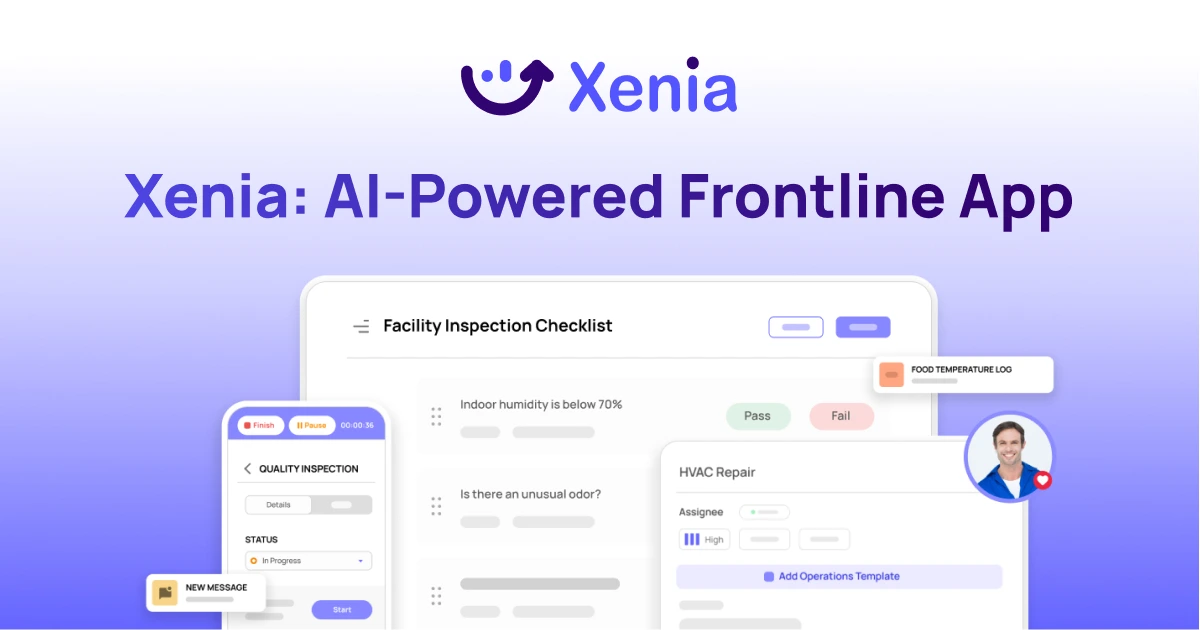
Why Facility Managers Choose Xenia:
🤖 AI-Powered Inspections, Verify safety equipment and compliance automatically with AI photo analysis. Surface critical maintenance issues instantly with AI-powered summaries.
🛠️ Work Orders & Maintenance, Report issues via mobile or QR codes. Route requests to teams or vendors. Schedule preventive maintenance for HVAC, elevators, and emergency systems to reduce downtime.
📊 Safety & Visibility, Deploy fire safety and hazard inspection workflows. Monitor work order resolution times and asset health across all facilities.
Manage work orders, maintenance, and safety inspections across all facilities from one platform.

.svg)
.webp)
%201%20(1).webp)

.svg)
%201%20(2).webp)