

.webp)
Post Summary
Retail labor costs eat between 15% and 20% of revenue for most multi-unit operators. That number has not moved much in a decade. What has changed is the type of work your store teams spend those labor hours on.
A lot of it is still manual. Managers walking the floor with clipboards. District managers texting photos to prove a display got set up right. Corporate sending planogram PDFs that nobody can find when they need them. Price checks done by eye. Inventory counted by hand.
Retail automation in 2026 is not about robots. It is about removing the manual friction from the operational layer of your stores. That is where the ROI actually lives.
This guide covers where retail automation and AI merchandising deliver real results for multi-unit operators, which six tasks to automate first, and how to roll out across your locations without creating more problems than you solve.
.webp)
.svg)

Priced on per user or per location basis
Available on iOS, Android and Web


Related Resources
If you found this useful, these articles cover adjacent topics worth reading:
- Retail Operations Execution: A Multi-Unit Operator's Guide covers how operations execution differs from operations management at the store level
- AI Image Recognition for Planogram Compliance goes deeper on how the photo verification technology actually works
- Retail Digital Transformation Guide covers the broader technology roadmap for physical retail brands
- Best Retail AI Solutions reviews the tools available for multi-unit retail operators in 2026
- Retail Audit Guide covers how to structure store audits and scoring for multi-location brands
- Operational Efficiency in Retail covers the broader efficiency picture beyond automation
Retail automation in 2026: what it actually means
Most people think retail automation means self-checkout kiosks or warehouse robots. That is not where the money is for most multi-unit operators.
There are three layers of retail automation:
**
Layer, What it covers, Where ROI shows up
Physical, Kiosks-RFID-robotics, High cost-slow payback
Digital, POS-e-commerce-loyalty, Already widely adopted
Operational, Checklists-audits-AI verification, High ROI-lowest adoption
**
The operational layer is where your store managers spend most of their day. Opening procedures. Planogram checks. Price tag compliance. Shift handoffs. The constant back-and-forth with district managers when something is off.
AI improves this layer in two ways.
First, it verifies tasks were done correctly, not just that someone ticked a box. Second, it flags problems automatically. A manager does not have to scroll through 40 photos to find the three stores that missed an end-cap setup. The system tells them.
That is where the margin improvement shows up for operators running 25 to 1,000 stores.
6 retail tasks ready for automation in 2026
These six tasks give you the highest ROI with the lowest risk. You do not need to replace any existing systems to get started.
1. Daily opening and closing checklists
The checklist goes to the right person at the right time. They complete it in the app, attach a photo, and a manager signs off. No paper. No group chat photos. No chasing people down.
Time saved: 20-30 minutes per store per day.
2. Planogram and merchandising audits
A manager takes a photo of a shelf. AI checks it against the planogram and flags anything wrong. Non-compliant sections become tasks automatically.
Without this, a district manager visits once a month. Errors sit for weeks before anyone catches them.
3. Inventory counts
AI reads shelf photos to spot gaps and out-of-stock positions. Paired with RFID, accuracy jumps to 95%. Manual counts typically land around 65%.
4. Price tag and signage compliance
Manager photographs the promotional aisle. AI checks whether tags, signs, and end-caps match the current campaign. Wrong items create a task on the spot.
5. Labor scheduling
AI looks at sales history, weather, and local events to recommend staffing by day and shift. Most multi-unit retailers are still doing this manually and overspending on labor as a result.
6. In-store customer service
Kiosks and QR-linked chat tools handle product lookups, returns, and common questions without needing a floor associate. Still early for most formats but growing fast.
AI merchandising: real use cases for physical retail
Marketing vendors use "AI merchandising" to mean product recommendations. For multi-unit physical retail operators, it means something more practical: did the store actually execute what was planned?
Here is what is working right now.
Planogram compliance via photo
A manager takes a photo of a shelf. AI scores it against the reference standard and generates a report. You know within minutes whether every store executed the reset correctly. No store visits needed.
Out-of-stock detection
AI spots empty shelf positions from regular store walk photos. Replenishment tasks are created automatically. Faster and more accurate than a manager eyeballing the aisle.
Promotion execution verification
You paid for that end-cap placement. AI confirms it actually happened across every store within hours of a promotion launch. POP signage, pricing, end-cap position, all verified by photo.
Sales anomaly detection
Store 47 is down 12% in a category during a promotion week. AI cross-references that with the store's recent audit scores and flags a likely display failure. You find out before the week is over instead of during the monthly review.
Assortment recommendation
Tools like NielsenIQ and Circana look at sales velocity and regional demand to recommend what to stock and where. Slower to implement but drives real category margin improvement over time.
AI merchandising tools in 2026
This is not an exhaustive list. It covers the tools most relevant to multi-unit retail operators evaluating AI merchandising in 2026.
**
Tool, Primary use case, Best for
Xenia AI Photo Rollouts, Store-level merchandising compliance verification across locations, Multi-unit operators (25-1000 stores) needing audit-to-corrective-action workflows
Trax / Shelfsight, Shelf-level image analysis for CPG brands and retailers, Large-format grocery and mass retail
NielsenIQ / Circana, Assortment recommendation engines, Category management teams
Foko Retail, Store execution and photo verification, Mid-market specialty retail
**
Xenia's AI Photo Rollouts capability is built specifically for the operational use case: a manager submits a photo through the mobile app, AI verifies compliance against a reference standard, and non-compliant items automatically generate corrective actions with follow-up tracking.

That audit-to-correction loop, closed without a district manager visit, is where the time savings show up for operators managing dozens or hundreds of stores.
For deeper context on how retail operations software has evolved, that page covers the platform-level picture for multi-unit retail operators.
How to sequence retail automation across locations
Operators who get this wrong typically do one of two things: they start with a customer-facing automation (kiosks, chat) that requires significant investment and training before the operational layer is working, or they buy an AI tool before automating the underlying process it is supposed to verify.
The right sequence moves from lowest risk and highest ROI to higher complexity.
Phase 1: Automate the audit and checklist layer
Start here. Digital checklists with photo requirements, auto-prompting by time and location, and centralized completion tracking. This is the foundation. Without it, AI has nothing to verify against.
Expected ROI: Labor time saved on manual tracking, faster identification of issues, better district manager bandwidth.
Phase 2: Add AI photo verification for merchandising
Once the checklist layer is working and managers are habitually submitting photos, add AI scoring against planogram standards. Corrective actions start flowing automatically. District manager visit cadence can decrease.
Expected ROI: Merchandising compliance lift, faster correction cycles, planogram adherence data across all stores.
Phase 3: AI-driven labor scheduling
This requires 6-12 months of clean historical data from the new operational layer. With it, labor scheduling AI performs well. Without clean data, the recommendations are not reliable.
Expected ROI: Labor cost reduction through better scheduling, reduced overstaffing on slow periods, reduced understaffing on peak periods.
Phase 4: Customer-facing automation
Kiosks, QR-guided self-service, chat-based product assistance. These require a stable operational foundation or store teams end up managing the automation failures on top of their regular work.
Expected ROI: Reduced floor associate time on low-complexity questions, improved customer wait times for routine requests.
Common retail automation mistakes
Buying AI before automating the underlying task
AI photo analysis cannot improve planogram compliance if there is no consistent process for submitting planogram photos in the first place. The checklist layer has to work first.
Choosing point-solution AI without thinking about integration
A standalone shelf-scanning tool that does not connect to your task management system creates a new data silo. The compliance score has to flow into a corrective action, or nothing changes.
Not measuring labor reallocation after implementation
Automation should free up labor hours. If those hours are not being redeployed to higher-value tasks, the savings are invisible. Track what managers are doing with the time before and after.
Running a pilot too small to show signal
A three-store pilot for AI merchandising verification will not produce enough variance to understand what is working. Plan for at least 15-20 stores across different formats and performance levels before drawing conclusions.
Skipping the change management work
Store teams who do not understand why they are submitting photos through an app will submit poor photos or skip the step. Brief training on what the tool is doing and why the photo quality matters takes 20 minutes and significantly improves output quality.
Measuring retail automation ROI
Use these metrics to track whether automation is delivering results. They apply across the operational, merchandising, and scheduling layers.
**
Metric, What it measures, How to track
Labor hours saved per store per week, Operational efficiency, Compare manager time on admin tasks before and after
Merchandising audit score, Compliance lift, Track average weighted audit score across locations over time
Out-of-stock rate, Replenishment performance, Compare from shelf scan data before and after AI implementation
Time-to-correct on identified issues, Corrective action speed, Measure from task creation to task completion in your platform
Customer satisfaction score, Customer impact, Net Promoter Score or equivalent-tracked by store
**
Most operators see measurable compliance lift within 60-90 days of deploying AI photo verification. Labor time savings typically show up faster, within the first 30 days of digitalizing the checklist layer.
If you want to build a fuller picture of how retail KPIs connect to operational execution, Xenia's article on retail KPI dashboards covers how to structure dashboard reporting for district and regional leaders.
For the data foundation that AI merchandising runs on, the article on retail data analytics covers how multi-unit retailers should be structuring their data layer before layering in AI tools.
Conclusion
The stores that close the gap between what corporate specifies and what actually happens at the shelf are the ones that outperform on margin. That gap has always been a manual problem. Retail automation AI makes it a data problem, which is far easier to solve at scale.
Start with the checklist and audit layer. Add photo verification once that is working. Most operators running 25 stores or more see compliance improvement within the first quarter.
Xenia handles the full loop: digital checklists, AI photo verification, automated corrective actions, and cross-location dashboards. Free plan available for teams up to 5 users. Book a demo to see it in action.
Frequently Asked Questions
Got a question? Find our FAQs here. If your question hasn't been answered here, contact us.
What is the difference between retail automation and retail digital transformation?

Digital transformation covers everything: e-commerce, POS, supply chain, loyalty, marketing. Retail automation is narrower. It replaces manual store tasks with software workflows. You do not need a full transformation to start. Most operators find the store operations layer delivers the fastest ROI without touching any core systems.
How long does retail automation take to implement?
Checklists and audits: two to four weeks. AI photo verification: another two to four weeks. Labor scheduling AI: three to six months, because it needs clean historical data first. Start with checklists. Everything else builds from there.
What is retail automation AI?
AI applied to what happens inside your stores. Photo verification for shelf compliance, demand-based scheduling, and anomaly alerts when something looks off. It focuses on the store execution layer, not warehouses or e-commerce.
What is automated merchandising?
Using software to check whether stores are set up the way corporate intended. Photos and AI replace manual store visits. The gap between planned standards and actual execution closes faster.


A Modern, AI-Powered Platform Built for Retail Operations
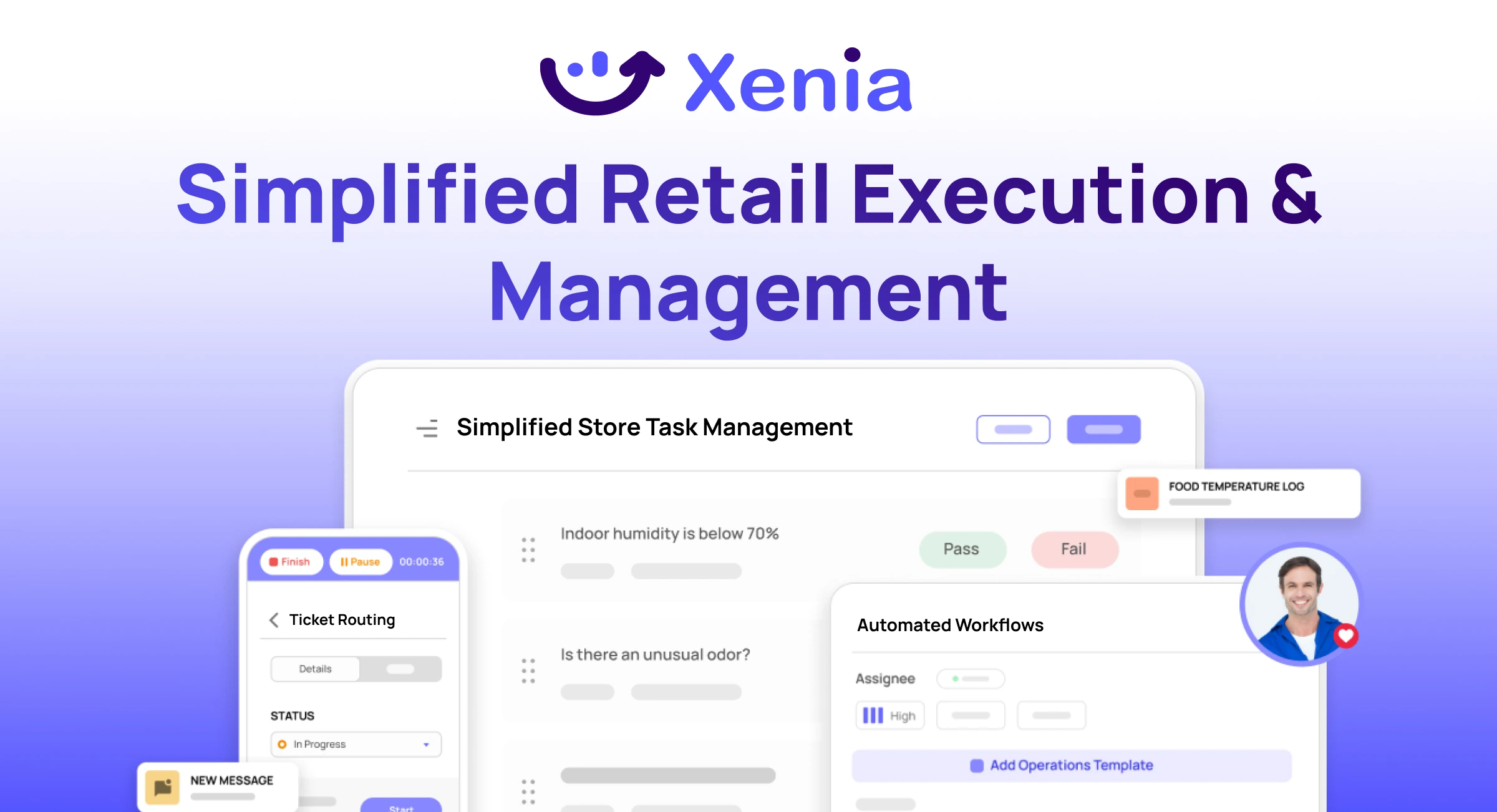
Xenia brings store operations, merchandising, audits, and loss prevention into one mobile-first platform. Store teams execute daily work consistently, maintain brand standards, and resolve issues faster, while regional and corporate leadership get real-time visibility across all locations.
Why Retail Operators Choose Xenia:
🤖 AI-Powered Merchandising, Verify planograms, displays, and brand standards automatically with AI photo analysis. Build digital checklists instantly or convert existing merchandising guides.
🏬 Operations & Loss Prevention, Assign opening procedures, store walks, and resets across locations. Track theft, cash discrepancies, and security incidents with evidence and approval workflows.
📊 Real-Time Visibility, Compare audit scores and task completion across stores. Identify top and underperforming locations. Export reports for leadership reviews.
One platform for operations, merchandising compliance, and loss prevention across all locations.

.svg)
.webp)
%201%20(1).webp)

.svg)
%201%20(2).webp)




