Summary
What are retail store maintenance work orders?
A retail store maintenance work order is a tracked request to fix or service something physical in a store, from the moment a store associate reports it to the moment it is closed with proof. Think a broken fixture, a burned-out light, a torn sign, or a failing HVAC unit.
The work order is the record that follows that repair from report to resolution.
Retail maintenance splits into three work-order types, a taxonomy that stays consistent across facilities documentation:
Retail is distinct from c-store and restaurant maintenance because of asset density. Every store holds roughly 30 to 80 maintenance-relevant assets, including HVAC, refrigeration, POS infrastructure, lighting circuits, fire suppression, loading docks, and signage, each with its own service history (Retail Fix It).
A multi-banner group multiplies that across store formats that do not share the same asset list. A flagship has escalators and mannequin lighting a strip-mall format never will.
The core operator pain is drift. An associate spots a broken fixture on a shift. Without a system, they tell the store manager, who phones a facilities contact, who logs it somewhere. The issue slips between store walks.
The District Manager finds out on the next visit, two weeks after the sign went dark and the brand already looked neglected. A digital work order stops that drift by starting the clock at the report (SafetyCulture retail maintenance guide).
Workflow diagram, from store report to fixed fixture
The workflow runs from a no-login QR scan on the sales floor to a district-level rollup, with a photo and a timestamp attached at every hand-off. Because store staff report without an account, the flow starts at the moment of the failure, not at the next scheduled walk.
An asset tag (a scannable QR label on or near the fixture, cooler, HVAC unit, or sign) is what lets the request auto-populate what broke and where.
Here is the full flow as a numbered sequence:
This is exactly the pattern Xenia built: a sales associate scans the QR on a broken fixture, and the request routes to maintenance by location and priority. The same no-login submission works for QR code work requests across any multi-site operation.
The difference against a traditional facilities portal is friction at the report step:
| Step | Typical CMMS or retail-facilities portal | Xenia QR work request |
|---|---|---|
| Who can report | Requires a vendor or staff account, or a shared portal login | Any associate, no login, scan and submit |
| App install | Often an app or portal account per submitter | None, opens in the phone browser |
| Asset identification | Manual selection from a dropdown | Auto-populated from the scanned asset tag |
| Photo evidence | Optional, added later | Captured at the moment of the report |
| Store-staff friction | High (credentials, training) | One scan |
| Manager control | Varies | Approval, routing, and assignment stay in the authenticated app |
The friction removed is real. Without a system, store managers burn hours phoning vendors and chasing status. Tango Analytics documents visibility, scheduling, and ease-of-access as the recurring failure points in retail facilities maintenance.
Which store issues become work orders: fixtures, signage, and lighting?
In retail, the work orders that matter most are the ones a customer sees (a broken fixture, a dark sign, a flickering light) and the ones that stop trade (a failed HVAC or a jammed entrance door). The category set is consistent across SafetyCulture, the GetKnowApp 2025 retail maintenance guide, and the ServiceChannel year-round checklist.
Severity is what keeps a retail queue honest. A dark exit sign is an emergency (safety and code). A failed HVAC in July stops trade. A single burned-out aisle light is minor. Xenia lets managers set priority on approval, so the assignee and the district rollup sort by what needs a same-day truck versus a next-PM-cycle fix.
That mirrors the CMMS priority-matrix pattern while keeping it at frontline-submission simplicity. For the full severity model, see work order prioritization with severity levels and SLAs.
The cost of letting these slip is well documented. Across maintenance and operations professionals, the average cost of one hour of unplanned downtime is around $25,000, rising past half a million dollars for the largest organizations (MaintainX 2024 State of Industrial Maintenance report, via Facilities Dive).
The same report found 85.2% of respondents saw downtime incidents stabilize or fall, yet 29.4% reported the financial impact rising on parts, shipping, and labor. An Aberdeen Group study widely cited in retail-facilities coverage puts unscheduled equipment downtime near $260,000 per incident (via GetKnowApp). Proactive maintenance can save up to 30% on repair costs versus reactive.
.svg)

Priced on per user or per location basis
Available on iOS, Android and Web


How to set up store maintenance work orders in Xenia
Setting up retail store maintenance work orders in Xenia means tagging your assets with QR codes, defining routing rules by banner and region, and giving store staff a one-scan way to report. No login, no app. Here is the setup flow:
One honest note on scope. Xenia is not a full CMMS. It does not match Limble, Accruent, or ServiceChannel for parts inventory, depreciation tracking, or deep vendor invoicing.
If a chain already runs a depth-CMMS for asset lifecycle, position Xenia as the frontline-submission and store-team layer that feeds it, the way Refuel runs Xenia for frontline ops alongside Service Channel for asset depth.
For the full side-by-side, see Xenia vs. Limble for multi-unit operators. The same QR-first playbook scales to work order management across multi-location restaurants and any retail operations software rollout.
Where do operators see results?
Multi-banner retail operators see results in three places: faster fix times on customer-facing issues, fewer things slipping between store walks, and one rollup view of every open work order across every banner. The wins are operator outcomes, not vendor claims.
Two real customers anchor the multi-banner story. Ace Retail Group migrated from Bindy to consolidate audits, work orders, and team comms in one app across a multi-banner enterprise, with a Microsoft Viva Engage HRIS feed.
The driver was per-seat pricing math breaking at the DM layer, plus the need to run comms in one place. Adidas runs multi-banner visual compliance with Xenia, with Spanish localization and Ariba integration, using reference-photo rollouts where stores submit their own photo back and the compliance gallery surfaces variance instantly.
The industry numbers explain the stakes. The MaintainX and ASHRAE figures above quantify what unplanned downtime and reactive-only maintenance cost a retail chain. Centralized work-order intake and a district rollup are how operators pull that spend down.
To see how the pieces connect across the cluster, the work order management hub maps intake, routing, prioritization, and closure end to end.
Frequently Asked Questions
Got a question? Find our FAQs here. If your question hasn't been answered here, contact us.

Looks like there's no data available in our FAQ section at the moment.


A Modern, AI-Powered Platform Built for Facility Operations
Xenia connects maintenance, safety, inspections, and daily operations into one mobile-first platform. Facility teams respond faster, prevent downtime, and maintain compliance, while leadership tracks performance across all buildings in real time.
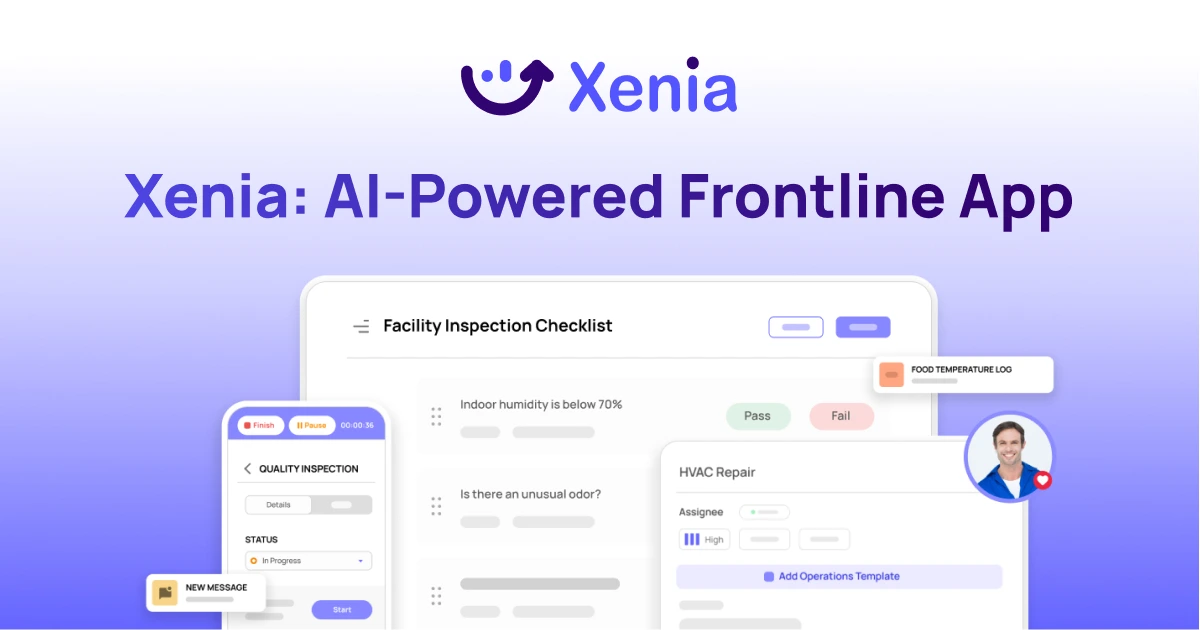
Why Facility Managers Choose Xenia:
🤖 AI-Powered Inspections, Verify safety equipment and compliance automatically with AI photo analysis. Surface critical maintenance issues instantly with AI-powered summaries.
🛠️ Work Orders & Maintenance, Report issues via mobile or QR codes. Route requests to teams or vendors. Schedule preventive maintenance for HVAC, elevators, and emergency systems to reduce downtime.
📊 Safety & Visibility, Deploy fire safety and hazard inspection workflows. Monitor work order resolution times and asset health across all facilities.
Manage work orders, maintenance, and safety inspections across all facilities from one platform.

.svg)
.webp)
%201%20(1).webp)

.svg)
%201%20(2).webp)

.webp)