


Post Summary
The closing checklist is done. Roller grill failed temperature. Manager marks it non-compliant, finishes the checklist, and moves on.
Sixty minutes later, someone remembers to file a ServiceNow work order. They type the details from memory. Equipment category is unclear. Location is added manually. The failure photo is not attached because nobody remembered to take one. The ticket lands in the wrong vendor queue. The repair takes two days instead of four hours.
That 60-minute manual gap between a failed equipment check and a routed ServiceNow work order is not a small inefficiency. Multiply it across 200 c-store locations and it becomes delayed repairs, misrouted tickets, missing context, and facilities teams spending their days chasing information that should have been captured automatically.
This article maps that gap and shows what the automated checklist-to-ServiceNow work order workflow looks like in a real c-store environment.

.svg)

Priced on per user or per location basis
Available on iOS, Android and Web


Related Resources
- How automated temperature excursion response connects to maintenance escalation
- How c-store facility management software handles work order routing
- What closed-loop work order management looks like in practice
- How digital checklists connect to operational workflows
- Corrective action process end to end
Why does the checklist-to-work-order handoff break down in practice?
The gap is predictable. It happens the same way every time.
A store manager runs the closing checklist. They flag a failed equipment item. Roller grill out of spec. Refrigeration unit reading high. Sink not working. They finish the checklist because the checklist is the job. The work order is someone else's job, or at least that is how it feels at 11pm at the end of a shift.
By the time a ServiceNow work order gets filed, it is usually the next morning. The person filing it was not the person who found the failure. They are working from a verbal handoff or a shift log note. The original context is already gone.
Here is what that ticket looks like when it arrives:
**
Field, What it should contain, What usually gets entered
Equipment category, Refrigeration unit-cold chain, "Equipment issue" or blank
Location, Store number-asset ID-specific unit, Store name only
Failure description, Exact reading-checklist item-time, "Not working"
Photo evidence, Checklist capture from failure moment, Not attached
Priority, Set by equipment type and severity, Default-often wrong
Assigned vendor, Cold chain specialist for this region, General maintenance queue
**
Every gap adds time to the resolution. Wrong vendor means a re-route. Missing location context means a vendor call before they can schedule a visit. No photo means the vendor can dispute the report when they arrive.
This is the facility management work order system problem that better checklists alone do not fix. The checklist and the work order management software live in separate systems. The human in between is where the context gets lost.
Understanding how equipment maintenance tracking connects to facility management makes the scale of this gap clearer, especially across large c-store portfolios.
What does the automated checklist-to-ServiceNow workflow actually look like?
The fix is not a better handoff process. It is removing the handoff entirely.
Here is the automated workflow when ops checklists connect directly to ServiceNow work order management.
Step 1: Failure detected in checklist, ServiceNow work order fires in the same step
The manager marks a checklist item as failed. At that exact moment, the ops platform sends the failure data to ServiceNow and creates a work order. No delay. No manual step. The ticket exists before the manager finishes the checklist.
Time between failure detection and ticket creation: under 60 seconds.
Step 2: Equipment category rules route the ticket automatically
Work order routing rules use the equipment category from the checklist item to determine where the ticket goes. Different equipment types, different vendors. That decision does not belong to a store manager at the end of a shift. It belongs to a rule.
**
Equipment type, Auto-routing destination
Refrigeration unit, Cold chain vendor by region
HVAC system, HVAC contractor
Plumbing, Plumbing contractor
Fuel dispenser, Fuel systems specialist
General electrical, Electrical contractor
**
Step 3: Failure photo attaches automatically from checklist capture
The photo the manager takes as part of the checklist failure step attaches to the ServiceNow ITSM work order automatically. The vendor receives the ticket with visual evidence already included. No vendor can dispute what the failure looked like. No second visit needed to confirm the problem.
Step 4: Location profile, asset ID, and failure context auto-populate
The ServiceNow work order inherits everything the ops platform knows about that location and asset. Store number. Asset ID. Equipment history. The specific checklist item that triggered the failure. Time and date of detection.
The vendor arrives with everything they need. No clarifying calls. No wrong-location visits. No guesswork.
How do misrouted work orders compound the cost of equipment failures?
A misrouted ServiceNow work order is not just an inconvenience. It has a cost at every stage.
Wrong vendor assignment adds roughly 24 hours to resolution time. When a ticket lands in the general maintenance queue instead of with the refrigeration specialist, someone has to review it, recognize the mismatch, and re-route it. That review typically does not happen until the next business day. The equipment has been down since the night before.
No location context means the vendor arrives unprepared. When the ticket says "Store 47" but no asset ID, the vendor calls before they leave. When it says "equipment issue" with no specifics, they bring general tools and may not have the parts they need. The first visit gets wasted.
No photo evidence means disputed resolutions. This happens more than ops teams realize. A vendor arrives, finds the equipment running within acceptable range at that moment, and marks the ticket resolved. The intermittent failure gets missed. Without a photo from the moment of detection, there is nothing to challenge their assessment.
Operators who have made the switch describe it the same way. You find the failure during the closing checklist. You mark it. The work order already exists. There is no second step, no shift handoff, no morning catch-up. The failure and the ticket are one action, and the context is intact because it never passed through anyone's memory.
When the equipment failure that triggered the work order is also a temperature excursion, the response workflow runs in parallel. How automated temperature excursion response connects to the maintenance escalation path covers that specific scenario in full.
What does ServiceNow integration require from your ops platform side?
The integration between an ops checklist platform and ServiceNow is not complicated. But a few things need to be in place before go-live.
API connection between ops platform and ServiceNow instance. The ops platform connects to your ServiceNow environment via API. This is standard for enterprise ITSM environments. The requirement is that your ServiceNow instance is accessible via API and authentication credentials are ready.
Equipment category taxonomy aligned between both systems. Routing rules only work if both systems use the same equipment categories. If the ops checklist calls something "walk-in cooler" and ServiceNow calls it "refrigeration unit type B," the routing logic breaks. Alignment happens before go-live.
Location and asset data mapped in advance. Every store location and asset in the ops platform needs to map to the corresponding record in ServiceNow. This data preparation step is what makes auto-population work. Without it, the ticket arrives with location data that does not match what ServiceNow expects.
Two-way status sync between systems. When a ServiceNow work order closes, that status should sync back to the ops dashboard. Store managers and district managers should not have to log into ServiceNow to see whether a repair was completed. The ops dashboard shows current work order status without a second system login.
This two-way sync is what separates a genuine integration from a one-way ticket-creation tool.
What does a fully automated checklist-to-work-order loop make possible?
When the gap between failure detection and ServiceNow work order creation is closed, the improvements are specific and measurable.
- Zero manual steps between failure detection and ticket creation. The store manager marks an item failed. Everything else happens automatically.
- Routing accuracy improves because rules replace judgment calls at the end of a shift.
- The ops team has full work order visibility without logging into ServiceNow. District managers see open tickets and resolution status in the ops dashboard.
- After-hours failures create tickets at the time of detection, not the next morning when someone remembers.
- The same unit failing three times in 30 days becomes visible because all three work orders are linked to the same asset record.
This is what facility work order management looks like when the ops side and the ITSM side are connected. For c-store operators who want to see how this fits into a broader convenience store operations management approach, the full picture goes well beyond work order routing.
How does Xenia connect C-store ops checklists to ServiceNow work orders?
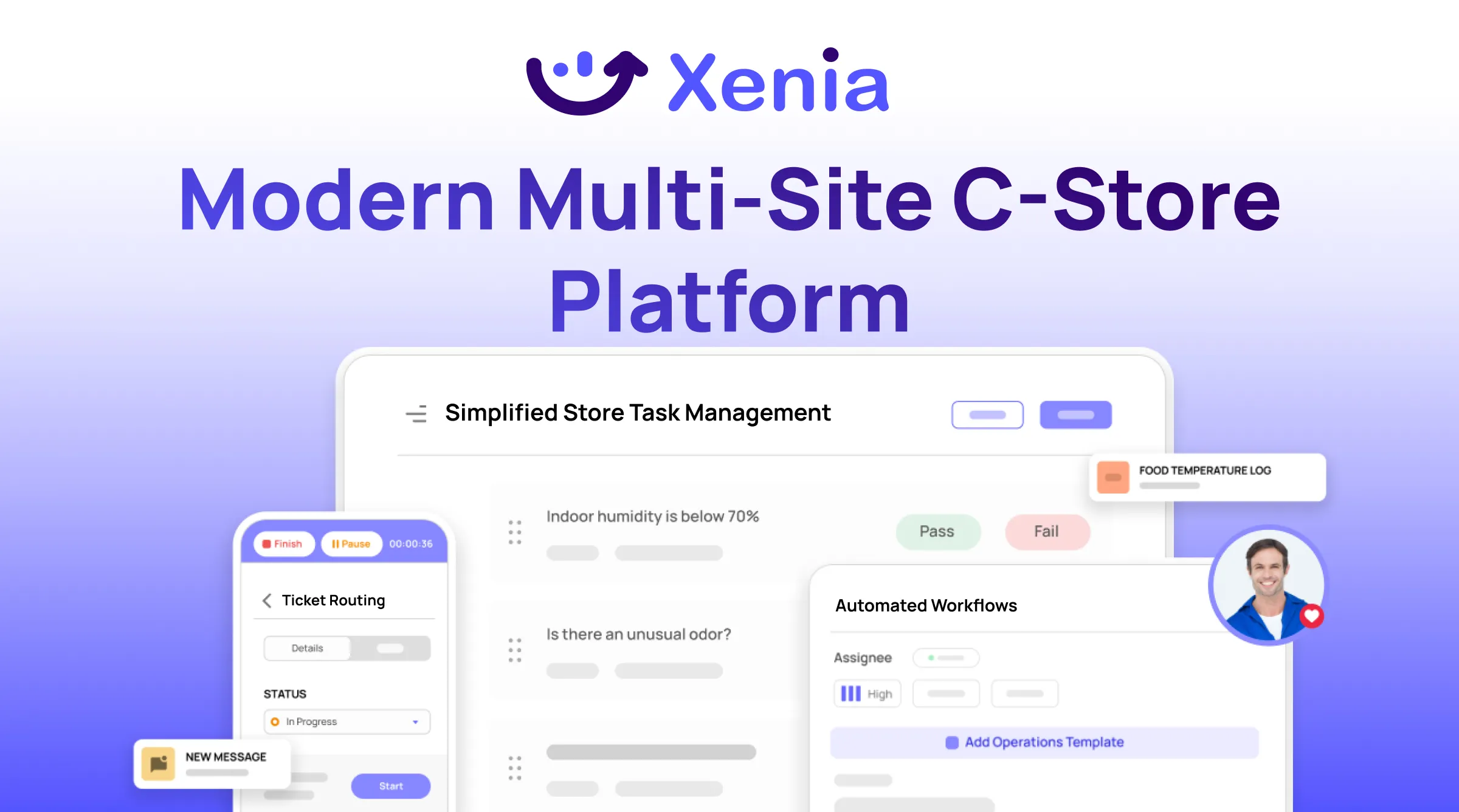
Xenia integrates directly with ServiceNow through a native API integration, with Xenia handling the ops side and ServiceNow managing ticket routing and resolution on the ITSM side. Neither system gets replaced.
Every gap described in this article has a direct solution in the Xenia-to-ServiceNow workflow. Here is how it maps.
Checklist failure creates a ServiceNow ticket in the same step. When a checklist item is marked failed in Xenia, a ServiceNow work order fires automatically. No delay. No action required from the store manager beyond marking the failure.
Equipment category rules send every ticket to the right vendor, automatically. Xenia's routing rules auto-assign the ServiceNow ticket based on equipment type and location. Refrigeration failures go to the cold chain team. HVAC failures go to the HVAC contractor. The rule decides, not the manager at the end of a shift.
Every ticket arrives with full ops context already attached. Every work order created from a Xenia checklist failure inherits the location, asset ID, failure description, and the photo captured at the moment of detection. The ticket is complete before anyone reviews it.
One action in Xenia, no re-entry in ServiceNow. The checklist failure is the ticket creation. Store managers work in Xenia. The ServiceNow work order appears without any additional action from the ops team. No double-entry. No bridging two systems manually.
Overnight failures get into the maintenance queue the same night. A closing checklist failure in Xenia triggers an immediate ServiceNow work order and supervisor alert regardless of time. After-hours failures do not wait until the next morning.
Store managers see live ticket status without a ServiceNow login. The Xenia app shows a live work order tracker reflecting the current status of every open ServiceNow ticket at that location. Open, in progress, or resolved, visible in the same app they already use.
Work order resolutions sync back to the ops dashboard automatically. When a ServiceNow work order closes, the status syncs back to the Xenia dashboard. District managers see resolved work orders without logging into a second system.
See how Xenia connects to ServiceNow. Book a technical demo with your IT or facilities team.
Conclusion
The equipment failure gets detected. The checklist records it. Then a human carries that information to ServiceNow, an hour later, from memory, without the photo, with the wrong category.
That manual step is where resolution time gets added. Where the same unit fails three times because nobody connected the dots.
Remove the step. The failure creates the ticket. The ticket has the right context. The vendor arrives prepared.
Xenia integrates checklist failures directly to ServiceNow in seconds, with routing rules, photo evidence, asset context, and status sync back to the ops dashboard.
Book a technical demo with your IT or facilities team and see the full workflow live.
Frequently Asked Questions
Got a question? Find our FAQs here. If your question hasn't been answered here, contact us.
How does c-store maintenance routing differ for after-hours failures?

Detection is the same. Response time is not. A daytime failure might get a manual work order within an hour. An after-hours failure in a manual system waits until the next business day. Automated routing fires the ServiceNow ticket at the moment of detection. The work order is in the queue before the shift ends.
What is the cost of a failed equipment check that never becomes a work order?
A roller grill running out of spec for 24 hours means product waste and potential health risk. A refrigeration unit failing undetected overnight means spoiled inventory. The financial cost varies by equipment. The compliance exposure is always there.
How does work order visibility work for store managers without ServiceNow access?
Most frontline managers do not have ServiceNow logins. When the ops platform syncs status back from ServiceNow, managers see whether their reported failure is open, assigned, or resolved in the same app they already use. No second system. No calling the facilities team for an update.
What context fields matter most in a ServiceNow work order for c-store equipment failures?
Asset ID, store location, equipment category, time of detection, and a failure photo. Miss any one of them and you add friction. Miss all of them, which happens constantly in manual workflows, and a four-hour repair becomes a two-day process.
How do you prevent duplicate work orders when the same equipment fails multiple times?
Link work orders to an asset ID. When the same unit generates a second ticket, the system can flag that an open ticket already exists. Without asset tracking, three failures on the same unit look like three unrelated problems.
What is the difference between work order routing rules and manual ticket assignment?
Routing rules send the ticket to the right vendor automatically based on equipment type. Manual assignment depends on whoever is filing the ticket knowing the right vendor at 11pm. One is consistent. The other is not.


A Modern, AI-Powered Platform Built Specifically for Frontline Operations
Xenia brings daily operations, maintenance, audits, and compliance into one mobile-first platform. Frontline teams execute work consistently across locations while leadership gets real-time visibility.

Why Multi-Location Operators Choose Xenia:
🤖 AI-Powered Operations, Create digital checklists instantly or convert paper forms with AI. Verify compliance automatically with photo analysis and get instant answers from your operational data.
✅ Daily Operations & Maintenance, Assign work across hundreds of locations in minutes. Report and route issues instantly. Schedule preventive maintenance to catch problems before downtime.
📊 Real-Time Visibility, Track completion, work orders, and performance across all locations through dashboards. Filter by site or asset to spot trends and take action.
Manage operations, maintenance, and compliance across all your locations from one platform

.svg)
.webp)
%201%20(1).webp)

.svg)
%201%20(2).webp)




