Post Summary
Here is a problem that does not get talked about enough.
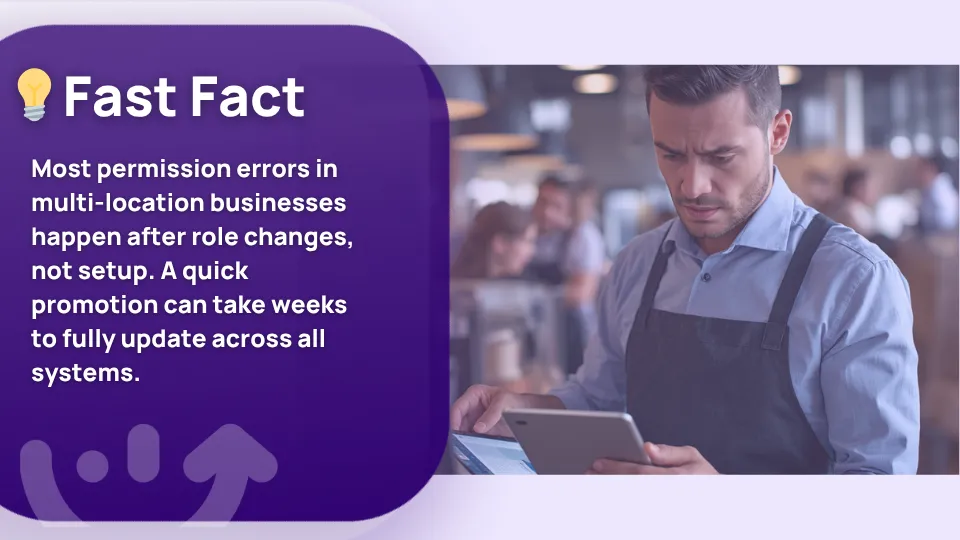
A GM gets promoted to district manager. Someone updates the org chart. But in the operations platform, they still have store-level permissions. They cannot see their new district. Or they can still see data from a store they no longer manage.
That is permissions drift. It happens when org charts and operational permissions live in two separate systems.
Traditional organization chart software shows who reports to whom. A 50-location restaurant brand needs more than that. The org chart needs to map locations to districts to regions, and tie that hierarchy directly to who sees what in your ops platform.
This guide covers what to look for, which platforms handle it, and how to implement it cleanly.
Related Resources
- How Xenia handles location hierarchy and role-based permissions at scale
- HR workflows for multi-unit frontline operations
- Multi-unit operations execution: how the ops layer connects to the org layer
- How district and regional leaders use Xenia to manage visibility across locations
- Operations execution vs operations management: what is the difference
Org chart software vs multi-location hierarchy software
These are not the same thing. Most buyers think they are, which is why they end up with a beautiful org chart and a broken permissions structure.
Here is the difference.
**
Aspect, Traditional org chart software, Multi-location hierarchy software
Primary purpose, Visualize people and reporting lines, Map locations-districts-regions and brands
Typical user, HR and people teams, VP of Ops-IT-HR combined
What it maps, People boxes, Locations tied to roles tied to permissions
Permission control, None or basic, Role-based access control per hierarchy level
HRIS integration, Often yes, Needed and must propagate changes automatically
Audit trail, Rarely, Required for compliance and security
**
A traditional org chart tells you that Sarah reports to Marcus. A multi-location hierarchy tells you that Sarah manages Store 14, Store 22, and Store 31, sits in the Southeast District, reports to the Southeast Regional Director, and should therefore have visibility into exactly those three stores in your operations platform and nothing else.
Multi-unit operators need both. But 95 percent of organization chart software content is only about the first type.
5 features multi-location org chart software must have
This is the evaluation list. Score every platform against these five before you request a demo.
1. Location hierarchy down to the store level
The software needs to model brand → region → district → store as a true hierarchy, not just a flat list of locations. If you cannot nest stores inside districts and districts inside regions, you cannot use it for multi-unit operations.
2. Role-based access control tied directly to the chart
When you assign someone as a district manager for the Northeast District, the software should automatically know which stores they can see in the connected operations platform. The org chart and the permission set should be one thing, not two.
3. Automatic permission propagation on org changes
When a role changes, permissions should update automatically. Not via a manual ticket to IT. Not via an email to the platform admin. The org change should cascade through the permissions layer without human intervention.
4. HRIS integration for ongoing sync
New hires, promotions, and departures happen every week in a multi-unit operation. The org chart needs to stay current automatically. If you are manually updating it, it is already out of date.
5. Audit trail for permission changes
Who changed which permission, when, and why. This is what compliance audits and security reviews ask for. Most traditional organization chart apps do not have it. For a multi-unit ops platform, it is not optional.
The 5 best org chart and multi-location hierarchy platforms in 2026
.svg)
.webp)
.webp)
1. Xenia
.webp)
Xenia is not a traditional org chart tool. It is an operations execution platform with a built-in location hierarchy and permissions layer that does what most standalone org chart software cannot: it connects the organizational structure directly to who sees what across your entire operations stack.
The location hierarchy and permissions module maps your full structure from the brand down to the individual store.
When you assign a district manager to a region, they automatically gain visibility into every location in that district and nothing outside it. When a GM is promoted, the permission change cascades automatically. When a team member leaves, their access is removed.
The HR workflows module connects to your HRIS so the org structure stays current without manual updates. Every permission change is logged with a timestamp and a user record.
For multi-unit operators who need the org chart and the ops permissions layer to be one unified system rather than two tools that never quite sync, Xenia handles both. This is the gap that standalone org chart apps like Lucidchart and OrgChart Now cannot close.
Book a demo to see how it works across your locations.

Priced on per user or per location basis
Available on iOS, Android and Web


2. Lucidchart
Lucidchart is the most widely used organization chart software for a reason. It is clean, fast, and produces professional org chart diagrams. It integrates with Google Workspace, Microsoft 365, and most HRIS platforms for data import.
The gap for multi-unit operators is that Lucidchart is a visualization tool, not a permissions tool. It can show you the hierarchy. It cannot enforce it. When someone's role changes in Lucidchart, nothing happens in your operations platform. You still have to update permissions manually everywhere else.
3. OrgChart Now

OrgChart Now is built specifically for org chart creation and HR workforce planning. It pulls data from HRIS systems automatically, keeps the chart current, and handles scenario planning for restructures. It is a solid best org chart software option for HR teams who need to model organizational changes before they happen.
The gap is the same as Lucidchart. It models structure but does not control access. For a 200-location retail chain where every district manager needs precisely scoped visibility into their locations and nothing else, OrgChart Now does not solve the permissions problem.
4. BambooHR org chart

BambooHR includes a built-in organization chart app as part of its HR platform. It auto-generates from employee records and stays current as your people data updates. For sub-100-employee organizations, it is the most practical free org chart option available if you are already using BambooHR.
The gap is scale. BambooHR's org chart was not designed for multi-unit operational hierarchy. It handles reporting lines well. It does not handle location → district → region mapping or tie into operational permissions. At 50-plus locations, it will not meet your needs.
5. ChartHop

ChartHop is a people analytics platform with a strong organization chart software component. It visualizes headcount, compensation, and reporting structure in one place.
For enterprise HR teams that need scenario modeling, diversity analytics, and real-time workforce data, it is the most capable option on this list for pure people planning.
The gap for multi-unit operators is that ChartHop is people-centric, not location-centric. It does not model brand → region → district → store hierarchy in the operational sense.
And like the other standalone org chart tools, changes in ChartHop do not automatically update permissions in your operations platform.
How org chart software drives operational permissions
Most multi-unit operators think of org chart software and operational permissions as two separate problems. They are not. They are the same problem with two consequences.
The GM-of-store-7 problem
Every GM in your network should see their own store data and nothing else. If they can see store 8, store 9, or district-level aggregates they have no business seeing, you have a data governance problem.
In most organizations, this happens because the org chart and the operations platform were set up independently and never truly connected.
The district manager promotion problem
Someone gets promoted from GM to district manager. HR updates the org chart. Operations platform admin gets an email three days later. By then, the new DM has either been flying blind in their new role or still sitting on old store-level permissions that nobody removed.
In a best app to create organization chart setup that connects to your ops layer, this cascades automatically on the day of the change.
The audit trail problem
Most org chart software does not log permission changes at the operation level. When a compliance audit asks who had access to location data and when, you need a timestamped record. Most traditional organization chart apps cannot produce one. An operations platform with a built-in location hierarchy layer can.
Implementation: 4 steps to roll out a multi-location org chart
This does not need to be a six-month project. Here is how to do it in four focused steps.
Step 1: Document the full location hierarchy
Start with the complete structure. Every brand, every region, every district, every store. Write it down before you touch any software. This is the map the platform will be built on. If the map is wrong, everything downstream is wrong.
Step 2: Map each role to a permission set
Frontline team member. Shift supervisor. Store GM. District manager. Regional director. VP of Ops. Each role should have a defined permission set that matches exactly what they need to see and do in the operations platform. Nothing more.
Step 3: Pilot in one region
Roll out the hierarchy and permission structure in one region first. Test every role. Confirm a GM cannot see adjacent stores. Confirm a DM can see every store in their district. Confirm a regional director can see district-level aggregates. Fix what is wrong before you scale.
Step 4: Sync with your HRIS for ongoing updates
Once the structure is validated, connect it to your HRIS. New hires should automatically get the right permissions from day one. Departures should automatically remove access. Promotions should cascade the permission change without a manual ticket. If you are still doing this by hand, the org chart will be out of date within weeks.
Conclusion
Most org chart software solves a presentation problem. It makes reporting lines look clean in a slide deck. That is not enough for a 100-location operations team where the wrong permissions can mean a GM seeing data they should not, or a promoted DM flying blind for two weeks.
The operators who get this right connect the org chart to the permissions layer from day one. An org change should be a permissions change, not a separate manual process.
Xenia's location hierarchy and permissions does exactly that. Map your locations, assign your roles, and every team member sees exactly what their role requires. When something changes, it propagates automatically.
See how Xenia ties location hierarchy to who sees what in your ops platform. Book a demo.
Frequently Asked Questions
Got a question? Find our FAQs here. If your question hasn't been answered here, contact us.
Why do multi-unit operators need location hierarchy software?

Because a flat list of locations is not a hierarchy. A district manager should see only their stores. A GM should see only their location. When the org structure and permissions live in separate systems, they drift apart. Location hierarchy software keeps them in sync.
Can org chart software handle permissions across stores?
Most cannot. They show the hierarchy but do not control access in connected systems. Xenia's native location hierarchy layer handles permissions directly, so an org change automatically updates who sees what without a manual step.
How is multi-location org chart software different from HR org charts?
An HR org chart maps people and reporting lines. A multi-location org chart maps locations to districts to regions, and ties that structure to who can see what in your ops platform. One is a visualization. The other is a permissions governance tool.
What is the best org chart software for multi-location businesses?
It depends on what you need. For visualization only, Lucidchart and OrgChart Now work well. For tying the org chart to operational permissions across locations, you need a platform with built-in location hierarchy and role-based access control. Xenia handles both in one place.


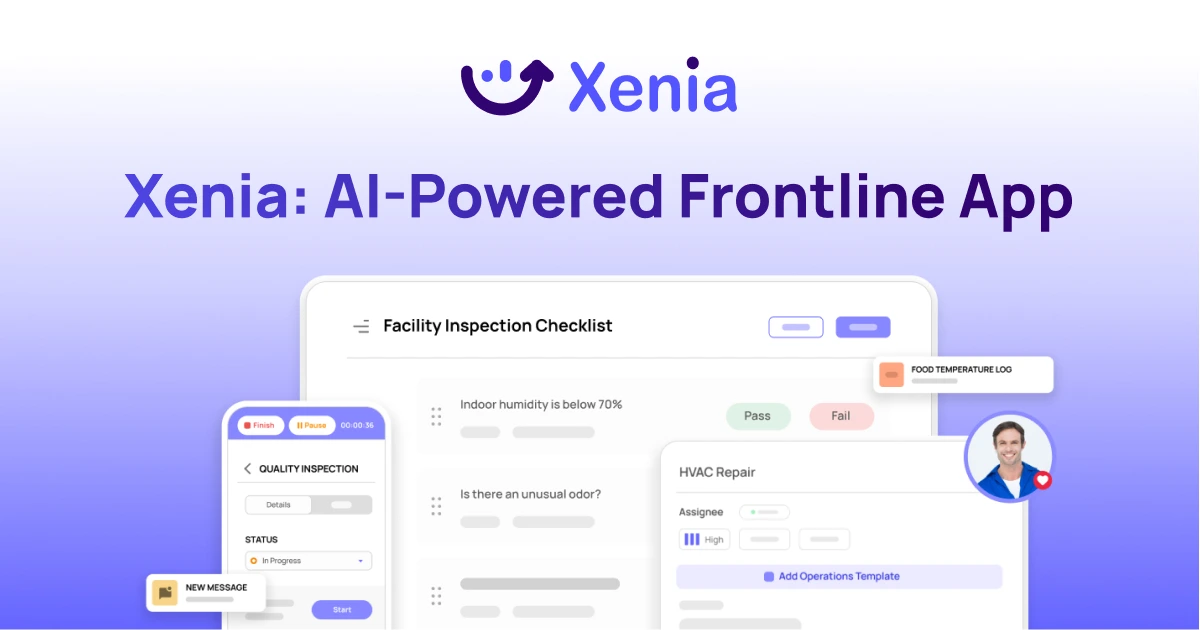
A Modern, AI-Powered Platform Built Specifically for Frontline Operations
Xenia brings daily operations, maintenance, audits, and compliance into one mobile-first platform. Frontline teams execute work consistently across locations while leadership gets real-time visibility.
Why Multi-Location Operators Choose Xenia:
🤖 AI-Powered Operations, Create digital checklists instantly or convert paper forms with AI. Verify compliance automatically with photo analysis and get instant answers from your operational data.
✅ Daily Operations & Maintenance, Assign work across hundreds of locations in minutes. Report and route issues instantly. Schedule preventive maintenance to catch problems before downtime.
📊 Real-Time Visibility, Track completion, work orders, and performance across all locations through dashboards. Filter by site or asset to spot trends and take action.
Manage operations, maintenance, and compliance across all your locations from one platform

.svg)
.webp)
%201%20(1).webp)

.svg)
%201%20(2).webp)