

.webp)
Post Summary
A district manager walks into store number seven on a Friday afternoon. No warning. The floor plan does not match the planogram. A display fixture near the entrance is taped together. The fitting room smells. The register drawer is a mess. The associate on shift had no idea a store audit was even possible today.
None of this is one person's fault. It is a systems problem.
When stores run without a consistent retail store inspection checklist, the floor drifts. Standards slip so slowly that nobody on site notices until someone from the outside walks in. And by then, the damage to your brand, your shrink numbers, and your customer experience is already done.
A retail store inspection checklist is what closes that gap. Not a PDF nobody opens. A working system with the right checks at the right frequency, with a clear path when something fails.
This guide gives you everything: what goes on the checklist, how to build one that actually works across multiple locations, how to set it up by role and zone, and free templates to get started today.
.webp)
.svg)

Priced on per user or per location basis
Available on iOS, Android and Web


Related Resources
- How to conduct effective retail store audits
- Retail operations execution guide
- Retail task management software
- Retail safety best practices
- Retail audit guide
- Best retail audit software
Why Most Retail Inspection Checklists Do Not Actually Work
Walk into any retail chain with 20 or more locations and ask the ops lead how store audits work. You will usually get some version of this: district managers visit once a month, fill out a form, email it somewhere, and move on.
The problem is not effort. It is structure.
Most retail store inspection programs break down for three reasons:
- The checklist is too generic to catch real issues
- The frequency is too low to create accountability
- There is no follow-through when something fails
A store that scores 80% on an audit and has the same 80% score three months later has not improved. It has normalized its gap.
This guide fixes all three.
What a Retail Store Inspection Checklist Should Actually Cover
Most templates focus on the sales floor because that is what customers see first. The areas that cause the most retail audit failures tend to be the ones nobody walks consistently: stockrooms, fitting rooms, backrooms, and receiving docks.
Start by mapping every zone. Then assign checks to each one.
Store zone breakdown
**
Store Zone, Key Inspection Areas
Entrance and exterior, Signage lighting-window display alignment-parking lot-automatic door
Sales floor, Product facing-price accuracy-planogram compliance-aisle clearance-promo displays
Fitting rooms, Cleanliness-item count-mirror and hook condition-lighting
Stockroom and backroom, Organization-FIFO rotation-fire exit access-overstock height-labeled staging
Receiving dock, Delivery condition-quantity verification-vendor check-in log-dock security
POS and checkout, Register readiness-receipt paper-lane signage-impulse displays-card reader
Loss prevention zones, Camera coverage-EAS tagging-fitting room count system-key control log
Staff break room, Cleanliness-fridge temp if food stored-first aid kit-emergency contact posting
Safety and compliance, Fire extinguisher-exit signage-wet floor signs-OSHA postings-spill kit
**
Step 1: Walk the Store Before You Write Anything
This step sounds obvious. It gets skipped constantly.
Before you finalize any retail store inspection checklist, walk the entire store physically. Every room. Every corner. The stockroom at 8pm when the shift winds down. The fitting room corridor after a busy weekend. The receiving dock during a live delivery.
What you find will not match what you assumed from your desk.
Every store has zones the opening manager checks out of habit, and zones that drift unnoticed for weeks. The walk gives you a real compliance map. It shows where your current process produces blind spots, and where your team has been normalizing things that should not be normal.
Do this yourself before delegating checklist design to anyone else. Then ask store managers and associates what they notice. They will tell you things that have never appeared on an audit form.
Step 2: Separate Checks by Frequency (This Is Where Most Programs Fall Apart)
One of the most common retail store inspection checklist mistakes is combining daily, weekly, and monthly checks into a single form.
When a team member sees a 60-item list, the first 10 items get real attention. The rest get checked off to clear the list.
Daily checks belong in a daily checklist. Monthly compliance items belong in a separate review. Mixing them trains your team to treat everything as low priority.
Daily checks (every shift, no exceptions)
- Sales floor facing completed before opening
- Price tag accuracy verified at all promotional displays
- Fitting room count and cleanliness confirmed
- POS systems operational and drawers balanced from prior shift
- Aisle and exit clearance confirmed
- Security camera feed accessible and recording
- Open maintenance issues flagged from prior shift logged
Weekly checks
- Planogram compliance audit by department
- Stockroom FIFO and organization review
- Loss prevention sweep including EAS tag status
- First aid kit inspection and restock
- Deep clean of fitting rooms and break room
- Exterior and entrance condition review
Monthly checks
- Full fire safety check: extinguisher tag, suppression system status, exit signage
- Full loss prevention audit including camera positioning and alarm test
- OSHA posting and compliance verification
- Employee training certification review
- District manager or operations lead store visit with weighted scoring
- Equipment maintenance check for POS systems, HVAC, refrigeration, and lighting
Xenia's retail audit software lets you build each of these as separate checklists with their own schedule, named owners, and completion thresholds. The platform's multi-location analytics dashboards show you which stores are on track and which are behind, in real time, without waiting for a spreadsheet.
Step 3: Build Visual Merchandising Checks Around the Planogram
Visual merchandising compliance is where most retail inspection checklists fall short. They include something like "sales floor organized" without defining what organized means for that store, that week, that promotional period.
Your planogram is the standard. Every visual merchandising check should reference it directly.
Planogram compliance checklist items
**
Check Item, Pass Standard
Promotional endcap, Matches current promotion exactly-no carryover product
Featured product positioning, Eye level-correct facing count-no gaps
Sale signage, Readable from five feet-no overlapping tags
Seasonal display, Rotated on schedule-discontinued product removed
Window display, Matches current corporate direction-no local modifications
Digital in-store screens, Content updated-displaying correctly-no error screens
**
Photo verification is what makes this real. A checklist item that says "endcap compliant" without a photo is an opinion. A photo attached to the submission is documentation.
Xenia's AI Photo Analysis compares submitted images against reference standards and flags discrepancies automatically. For multi-location operators managing planogram rollouts across dozens of stores, this closes a major gap in retail execution.
Step 4: Add a Loss Prevention Section With Named Owners
Shrink does not happen in one place. It happens at the fitting room, the receiving dock, the POS lane, the stockroom, and the sales floor simultaneously. A retail compliance checklist that covers loss prevention in a single line item is not a loss prevention check.
Your loss prevention section needs specific items, each with a named owner.
Loss prevention checklist by area
Fitting room
- Item count verified by associate before customer entry
- Count confirmed on exit
- Abandoned merchandise logged every hour
High-value merchandise
- Security tags verified on all items above shrink threshold
- Locked display cases verified at opening and closing
- Manager sign-off required before case access
Receiving dock
- All deliveries signed in by a named associate
- Vendor access logged, no unaccompanied vendor floor access
- Incoming quantities verified against purchase order
POS and registers
- No voids or overrides without manager code
- Cash drops documented in real time
- Drawer count at opening and closing matches prior shift record
Cameras and alarms
- Recording status confirmed on all customer-facing and stockroom cameras
- Blind spots or malfunctions flagged for immediate work order
- Alarm test completed per monthly schedule
Each item needs a named role and a documented completion window. "Loss prevention" owned by "store staff" is owned by no one.
See how Xenia structures this for retail operations software customers running multi-unit formats.
Step 5: Build a Full Safety and Compliance Layer
Retail safety checks get treated as quarterly box-ticking. The incidents they prevent do not follow a quarterly schedule.
Your store safety inspection checklist needs a real schedule.
**
Safety Category, Frequency, Key Items
Wet floor signs accessible, Daily, Available at all spill-risk zones
Emergency exits clear, Daily, Zero obstruction-signage lit
Spill response kit, Daily, Stocked-location known to all staff
First aid kit inventory, Weekly, Fully stocked-expiry dates checked
Electrical cord inspection, Weekly, POS stations and stockroom
Fire extinguisher tag, Monthly, Charge confirmed-tag current
Emergency lighting test, Monthly, All backup units functional
OSHA postings, Monthly, Visible-current-not covered
**
The retail health and safety training guide covers how to build the training layer alongside these inspection checks.
Step 6: Assign Every Section to a Named Owner With a Deadline
A checklist that belongs to everyone belongs to no one. This is the most common reason retail inspection programs drift after launch.
Every section of your retail store inspection checklist needs a specific role and a specific completion window. Not "store staff." A position. Not "before closing." A time.
**
Checklist Section, Responsible Role, Completion Window
Daily floor facing and POS readiness, Opening associate, Before doors open
Daily safety walk, Shift manager, Within 30 min of shift start
Weekly planogram compliance, Department lead or store manager, Monday AM before opening
Weekly loss prevention sweep, Store manager, Tuesday-confirmed before close
Monthly fire safety check, General manager, First 3 business days of month
Monthly district manager audit, District or area manager, Scheduled-48-hour advance notice
**
When inspections are digital, every submission carries a timestamp and the name of the person who completed it. If the Monday planogram check shows a Tuesday timestamp three weeks running, that is data. You can act on it. Paper checklists do not give you that.
Step 7: Build Corrective Actions Into the Checklist Itself
A store audit checklist that identifies a problem and stops there has done half the job.
Every critical item on your retail store inspection checklist needs a corrective action path built in. Not a note to follow up later. Built into the form.
For every item that can fail, define four things before you publish:
- What does passing look like?
- What does the team member do the moment it fails?
- Who gets notified and how fast?
- What documentation is required before the item can be marked resolved?
Here is what that looks like for a planogram deviation:
An associate completes the weekly visual merchandising check. The endcap display does not match the current promotional planogram.
- Immediate action: Document with photo. Do not adjust without guidance.
- Notification: Store manager within one hour.
- Fix: Manager realigns display and submits a confirmation photo.
- Follow-up: If the gap was caused by missing product, a replenishment work order is submitted before end of shift.
Xenia's weighted audit workflows assign severity levels to each checklist item. A critical failure auto-generates a corrective action task, assigns it to the right person, and tracks it until it closes.
Nothing waits for the next district manager visit.
This is the difference between documentation and multi-location operations execution. Your system needs to close the loop automatically.
Step 8: Use Different Checklists for Different Store Formats and Roles
A flagship store with a beauty counter and a personal shopping section does not have the same inspection needs as a strip-mall location with three associates.
Using one generic checklist for both creates compliance theater. Items that do not apply get checked off by default. Items specific to that format do not appear at all.
Build role-specific and format-specific checklists:
Store opening checklist for the opening associate: POS readiness, floor condition, fitting room prep, exterior signage.
Manager closing checklist for the closing manager: cash reconciliation, alarm set, fitting room final count, stockroom door secured.
District manager visit checklist for scheduled or unannounced audits: weighted scoring across all departments with a corrective action tracker.
Stockroom coordinator checklist for receiving shifts: delivery documentation, inventory positioning, dock security.
Xenia's conditional visibility feature lets you build one master template and surface only the relevant sections based on location attributes. A store with a pharmacy section sees those compliance checks. A standard apparel location does not. No manual editing every time a new format is added.
Your retail store pre-opening checklist template and retail cleaning checklist template are good starting points for the role-specific layer.
Step 9: Track Completion Rates and Score Trends, Not Just Pass or Fail
A store that completes 100% of its inspection items every week is not automatically a high performer. It depends on what they are completing and at what score.
Your retail inspection program needs two data layers: completion rate and score trend.
**
Metric, What It Tells You
Completion rate, Whether the process is happening
Score trend week over week, Whether the store is improving or drifting
Most frequently failed items, Whether the problem is one store or a system issue
Corrective action close rate, Whether issues get resolved or just flagged
**
Three numbers worth tracking at the district level:
Average inspection score by store, week over week. A store that sits at 78% for eight weeks is not stable. It is stuck. That is a coaching conversation.
Most frequently failed items across all locations. If the endcap planogram item fails at 40% of stores every week, the problem is not the store. It is the rollout process.
Corrective action close rate. Items flagged but never resolved are a gap in your operations execution system. Track how fast issues close after they are raised.
Xenia's multi-location dashboards give district managers and operations leaders a real-time view without asking anyone to pull a report.
For a deeper look at building this kind of visibility, the retail store dashboard guide and dashboard metrics for retail operational excellence are worth reading alongside this.
Step 10: Review and Update the Checklist Every Quarter
A retail store inspection checklist goes stale. Assortments change. Store formats evolve. Seasonal promotions add new compliance requirements. OSHA standards update. New equipment comes in.
If your checklist looks the same in December as it did in March, it is not keeping pace with the operation.
Put a quarterly review on the calendar. Run through these questions each time:
- Were there any theft incidents or loss prevention failures last quarter that the current checklist did not catch early?
- Did any stores receive negative guest feedback about something the inspection missed?
- Has the planogram changed significantly since the last update?
- Are there new state or local compliance requirements to add?
- Are team members flagging any checklist items as confusing or inconsistently interpreted?
The strongest signal a checklist needs updating is when the same corrective action keeps repeating. The same planogram deviation at the same store four weeks in a row is not a compliance problem. It is a systems problem. The checklist is documenting it without preventing it.
Xenia's flagged response tracking shows which items generate the most failures across your locations. You fix the root cause instead of refreshing the whole document from scratch each quarter.
Free Retail Store Inspection Checklist Templates
Every template below is free and ready to use.
- Retail store pre-opening checklist - Get template
- Retail cleaning checklist - Get template
- Retail mystery shopper checklist - Get template
- Retail store maintenance checklist - Get template
- Retail employee training checklist - Get template
- Loss prevention audit checklist - Get template
Keep Store Inspections Consistent Across Every Location with Xenia
Store inspections get harder to manage as you grow. One store follows the checklist, another skips steps, and some stop doing inspections after staff changes.
Xenia helps keep inspections the same across every location. If something important fails, it automatically creates a task, assigns it to the right person, and tracks it until it is fixed. AI Photo Analysis checks photos to make sure standards are followed at every store.
Managers can see inspection scores, missed tasks, and open issues across all locations in one dashboard. Teams only see checklist items that matter to their store type, and new checklists can be created quickly with the AI Template Agent. Staff can complete inspections on their phones, even without internet, and everything syncs later.
Book a demo to see Xenia in action.
.webp)
Conclusion
A retail store inspection checklist works when it makes the right standard the default, not the exception.
Map every zone. Split checks by frequency. Build corrective actions into the form from day one. Assign named owners with real deadlines. Review every quarter.
Most retail operations that fail audits have a checklist. They just do not have the system behind it.
Xenia gives you that system: digital checklists with weighted scoring, built-in corrective actions, photo verification, and real-time compliance visibility across every location from one dashboard.
Book a demo to see how it works for your stores.
Frequently Asked Questions
Got a question? Find our FAQs here. If your question hasn't been answered here, contact us.
What is the best digital tool for retail store inspections?

The best tool depends on your business size. For stores with many locations, tools like Xenia help track inspections, photos, tasks, and reports in one place.
Can one checklist work for all store formats?
Yes, but not every store needs the same checks. One main checklist can be adjusted based on the store type.
What are the most commonly failed items on a retail store inspection checklist?
Common problems include messy displays, missing products, safety issues, blocked exits, and missing or outdated safety equipment.
Who should complete a retail store inspection checklist?
Different people handle different checks. Store staff can do daily checks, store managers can handle weekly reviews, and district managers can do monthly audits.
How often should a retail store be inspected?
Basic checks should happen every day or every shift. Bigger checks can happen weekly, while full store audits are usually done monthly.
What is the difference between a retail store inspection and a retail audit?
A store inspection is a quick check done regularly by store staff to spot problems. A retail audit is a more detailed review, usually done by a manager, to measure store performance over time.
What is a retail store inspection checklist?
A retail store inspection checklist is a simple list used to check if everything in a store is working properly. It covers things like store cleanliness, shelves, fitting rooms, safety, equipment, and stock areas. Checks are usually done daily, weekly, or monthly.


A Modern, AI-Powered Platform Built for Retail Operations
Xenia brings store operations, merchandising, audits, and loss prevention into one mobile-first platform. Store teams execute daily work consistently, maintain brand standards, and resolve issues faster, while regional and corporate leadership get real-time visibility across all locations.
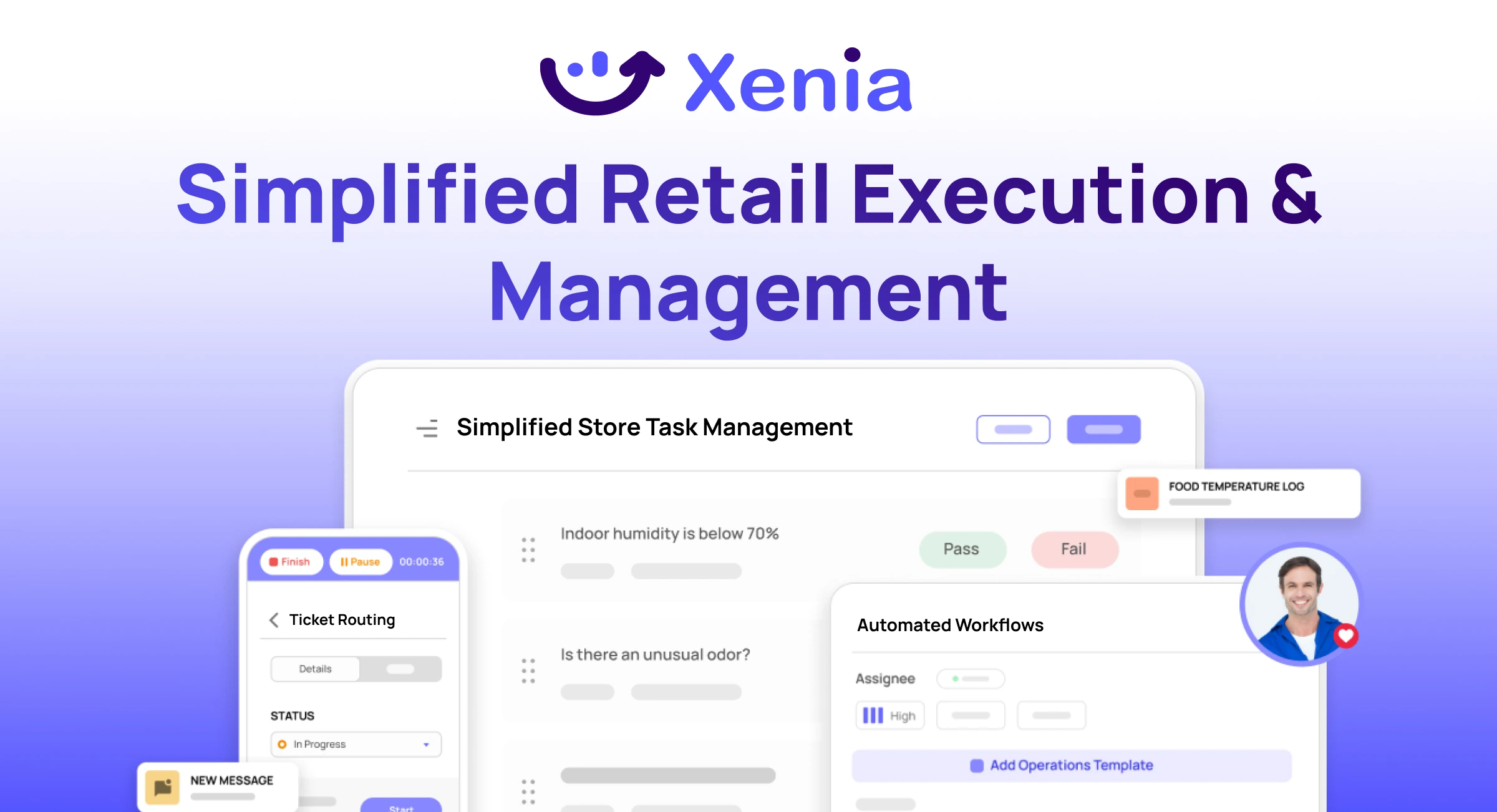
Why Retail Operators Choose Xenia:
🤖 AI-Powered Merchandising, Verify planograms, displays, and brand standards automatically with AI photo analysis. Build digital checklists instantly or convert existing merchandising guides.
🏬 Operations & Loss Prevention, Assign opening procedures, store walks, and resets across locations. Track theft, cash discrepancies, and security incidents with evidence and approval workflows.
📊 Real-Time Visibility, Compare audit scores and task completion across stores. Identify top and underperforming locations. Export reports for leadership reviews.
One platform for operations, merchandising compliance, and loss prevention across all locations.

.svg)
.webp)
%201%20(1).webp)

.svg)
%201%20(2).webp)





