

.png)
Post Summary
Your newest associate just finished their first week.
They sat through an orientation. Read a manual. Shadowed someone for two days. Now they're on the floor, helping customers, making decisions, representing your brand.
Do they actually know what they're doing?
For most retail operators, the honest answer is somewhere between "we think so" and "mostly." That gap is where customer experience breaks down, compliance slips, and good people quit because they felt thrown into the deep end.
Retail employee training is one of the most important things a multi-location operator can get right. When it works, stores run consistently. Staff stay longer. Customers have a better experience. Standards hold across every location without a manager watching everyone all day.
When it doesn't work, you feel it in every number.
This guide covers what retail staff training should include, how to structure it, how to optimize it, how to scale it across multiple locations, and how AI is changing the way operators build and deliver it today.
.svg)

Priced on per user or per location basis
Available on iOS, Android and Web


Related resources
- How to overcome retail training challenges at scale
- How to reduce employee training time across multiple retail locations
- How to manage training across multiple locations
- Best LMS for retail
Why retail employee training fails most of the time
Most retail training programs fail for the same predictable reasons. And once you see them, they're hard to miss.
- Training is inconsistent across locations. Store A trains one way. Store B does it differently. Neither matches what HQ documented.
- Training depends on one person. The experienced associate who shows new hires the ropes leaves, and suddenly nobody knows the right way to do things.
- Materials live in formats nobody uses. A 40-page PDF nobody reads is not a training program. It's a document that protects the company if something goes wrong.
- There's no verification that learning happened. A manager signs off that training is complete. Nobody actually checked if the new hire understood anything.
- Training stops after onboarding. Products change. Procedures update. Compliance requirements shift. But training only happened in week one.
The result is a workforce where some people know exactly what to do and others are guessing. In retail, guessing shows up immediately in the customer experience.
What retail employee training should cover
Good retail staff training is not one thing. It's a structured program covering multiple areas, delivered at different points in the employee lifecycle.
Here's what a complete retail training program looks like:
**
Training area, What it covers, When it happens
Onboarding and orientation, Company culture-policies-basic procedures, Day one and week one
Product knowledge, Categories-features-pricing-seasonal changes, Onboarding and ongoing
Customer service training, Greeting-handling complaints-upselling, Onboarding and refreshers
POS and systems training, Register operation-returns-digital tools, Before first shift
Loss prevention training, Theft prevention-cash handling-security, Onboarding and annually
Health and safety training, Emergency procedures-hazard identification, Onboarding and compliance cycles
Compliance training, Age-restricted products-data privacy-labor law, Onboarding and when regulations change
SOP and procedures training, Opening-closing-merchandising-cleaning, Onboarding and when procedures update
Manager and supervisor training, Coaching-scheduling-performance management, When promoted
**
Each area needs its own structured approach. Combining everything into one generic onboarding session is why so much retail training doesn't stick.
How to structure retail associate training that actually works
Structure is what separates a real training program from a pile of information nobody uses.
Build role-specific training paths
Not every associate needs the same training. A stockroom team member has different priorities than a floor associate. A shift supervisor needs things a new hire doesn't.
Build a separate training path for each role. Cover only what's relevant to that role, in the order someone needs to learn it. A new floor associate doesn't need manager reporting on day one. They need to know how to greet a customer, find a product, and process a return. Keep it focused.
Break training into short modules
Long training sessions don't work in retail. Shifts are busy. Attention runs short. A four-hour block at the start of employment gets forgotten fast.
Break training into five to ten minute modules. One topic per module. This approach consistently improves how much people actually remember compared to sitting through a long session. Short modules also fit into a shift without pulling someone off the floor for hours.
Make training mobile-first
Most retail associates work on the floor, in the stockroom, or at the register. They don't sit at a desk. Training that requires a desktop computer will not get done consistently.
Mobile-first training means an associate can finish a module between tasks, review a procedure before a new type of transaction, or pull up a product guide while helping a customer. Training fits into the work instead of interrupting it.
Verify that learning actually happened
Finishing a module is not the same as understanding it.
Add short knowledge checks at the end of each module to confirm understanding. Require manager sign-off on practical tasks to confirm the associate can apply what they learned. Use skills assessments before moving someone to the next level.
Without verification, training completion is just a checkbox. With it, it actually tells you something useful.
Keep training materials current
Products change. Procedures update. Compliance requirements shift. Retail training is never truly finished.
Build a process for keeping materials current and pushing updates to your team when something changes. An associate who learned your return policy six months ago may not know about last month's change. Outdated training is sometimes worse than no training because people follow the wrong procedure with full confidence.
How to optimize retail employee training
Optimizing retail employee training means getting better results, not just faster completion. Here is what actually makes a difference.
Use data to find the gaps. If one location keeps getting low customer satisfaction scores or failing compliance checks, that is usually a training problem. Look at performance data by location and match it against training completion. That is where you find the gaps.
Learn from your best people. Every retail operation has associates who consistently do things better than everyone else. Find out what they know and how they work. Then build that into your training program. Your top performers are your best source of training content.
Replace paper manuals with digital SOPs. A printed SOP is outdated the moment it gets printed. Digital SOPs update instantly and reach every team member automatically. Xenia's SOP AI-powered writer turns your existing paper procedures into searchable digital content associates can pull up on their phone when they need it.
Build training into daily work. The best retail training is not a separate event. It is built into how the job gets done. Digital checklists with procedure reminders, QR codes on equipment linking to the relevant SOP, and task completion that requires a quick confirmation all turn daily work into ongoing training moments.
Track completion across all locations. If you don't know which locations have the lowest training completion rates, you can't fix the problem. Xenia's frontline reporting gives you real-time visibility across every location without anyone pulling data manually.
Get new hires up to speed faster. The faster a new associate reaches full competency, the less it costs in manager supervision time and the sooner they contribute. Structured training paths with clear milestones and built-in verification cut time to competency significantly compared to the "shadow someone and figure it out" approach most stores still use.
How optimized training compares to typical retail training:
**
Typical retail training, Optimized retail training
Generic for all roles, Role-specific paths
Happens once at onboarding, Ongoing throughout employment
Paper or PDF materials, Digital-mobile-accessible content
No completion verification, Built-in knowledge checks and sign-offs
Manager manually tracks completion, Real-time dashboard across all locations
Materials updated infrequently, Updates pushed instantly to all staff
**
How to scale retail employee training across multiple locations
Scaling retail staff training across 10, 20, or 50 locations is a different problem from running training at one store. Here is how to do it right.
Centralize all training content
When training materials live at each location, they drift. Managers tweak them. Associates teach their own version. Within a year, 20 locations are running 20 different programs.
Fix it by putting everything in one place. One source of truth every location pulls from. Update a procedure once and every location gets it automatically. No outdated materials. No version confusion.
Push training to all locations at the same time
When a product launches or a procedure changes, every location needs the update at the same time. Sending it manually creates delays and gaps. A centralized retail operations platform lets you push training everywhere at once. One action. Done.
Attach training to roles, not people
Manually assigning training to every new hire is not realistic when turnover is high. Attach training to the role instead. When someone new steps into that role, they get the right training path automatically. No manager needs to remember. No new hire gets missed.
Standardize onboarding across all locations
Every new hire should have the same first week no matter which location they join. Same path. Same milestones. Same verification steps.
Xenia's checklists and SOPs tool lets you build a standardized onboarding workflow with manager verification built in. The system handles it so managers don't have to remember.
Track training completion across the full network
A district manager overseeing 10 stores can't call each one to check on training. With the right platform, they see completion rates by location in real time, spot who is behind, and fix it before it becomes a real problem. The manage training across multiple locations guide covers how to set this up.
Add location-specific modules on top of a consistent core
Not every location needs the exact same training. A store selling age-restricted products needs extra compliance modules. A flagship location may have higher service standards.
Build a core program every location follows. Layer location-specific modules on top. Core stays consistent. The additions handle the differences.
**
Stage, Number of locations, What changes
Single store, 1, Manager-led-informal training works
Small chain, 2 to 5, Need consistent materials and basic tracking
Growing operator, 6 to 20, Need centralized platform and role-based paths
Multi-region, 20 plus, Need automated deployment and real-time reporting
**
Retail employee training and AI: what is actually useful right now
AI is changing how retail training gets built and delivered. Here's what's genuinely useful, not just marketing language.
AI-powered SOP creation. Building training content from scratch takes time. AI tools convert existing paper-based procedures, manuals, and guides into structured digital content significantly faster than doing it manually. Xenia's SOP AI-powered writer does this, turning existing documents into mobile-accessible SOPs and training checklists.
AI-generated training content. AI generates first drafts of training modules, product guides, and procedure documentation based on your inputs. It doesn't replace human review. But it cuts the time between "we need to train people on this new procedure" and "training is ready to deploy." Many teams also use an AI humanizer before publishing AI-generated SOPs and training modules. It helps refine the wording, improve readability, and make instructional content sound more natural and employee-friendly while preserving the original procedures and compliance requirements.
Photo verification for practical tasks. AI photo analysis verifies that practical training tasks were completed correctly. An associate who completes a merchandising setup submits a photo that gets automatically checked against the planogram standard. No manager needs to inspect every setup manually.
Personalized learning paths. AI looks at how each associate is performing and adjusts their training based on what they actually need. If someone struggles with a specific topic, they get more practice on that. If they already know it, they move on. No one wastes time on training they don't need.
Automated reporting for managers. Instead of pulling reports manually, managers get automatic summaries showing who is behind, which locations have low completion rates, and which modules people are failing. The data comes to them. They just act on it.
Common retail training mistakes to avoid
Even well-intentioned retail training programs make these mistakes. Knowing them in advance saves time and money.
One training program for every role. A first-time associate and a shift supervisor don't need the same training. Generic programs cover everything for everyone and nothing effectively for anyone. Build role-specific paths.
Training that only happens at onboarding. Skills fade. Procedures change. Standards evolve. If training only happens in week one, your team operates on information that gets more outdated every month. Build ongoing training into the program from the start.
No verification of understanding. Completing a module is not the same as understanding it. Build quick checks into every training sequence. Not high-stakes tests. Just a fast confirmation that the key points landed before someone moves on.
Training materials that live in one place. If training content is in a binder at the store or on a manager's computer, it doesn't exist for the people who need it most. Training has to be accessible from wherever your associates are working.
Measuring completion instead of performance. Training completion is easy to track. Whether training actually improved performance is harder to measure but far more important. Connect training data to performance data. Find out if the program is working, not just if people finished it.
How Xenia helps retail operators build and scale training programs
Building a consistent retail training program across multiple locations requires more than good content. It needs a system that delivers it, tracks it, and connects it to how work actually gets done every day.
Xenia's checklists and SOPs and SOP AI-powered writer let retail operators digitize training content, build role-specific training paths, and deploy them across every location from one place. Training completion is tracked in real time. Manager verification is built into the workflow. Updates push to all locations instantly.
Xenia is an operations execution platform built for multi-unit operators in retail, restaurants, and convenience stores. It handles training alongside task management, audits, compliance, and frontline communications in one place, not across five separate tools.
See how it works for your operation.
Conclusion
Retail employee training is not a compliance checkbox. It's how you build a team that delivers a consistent customer experience and holds your brand together across every location.
The gap between operators who get this right and those who don't shows up in every number. Staff retention. Shrinkage rates. Audit scores. Time managers spend fixing problems that good training would have prevented.
Start with a structured program for each role. Build in verification. Make it mobile. Keep it current.
Xenia helps multi-location retail operators build, deploy, and track training programs across every location in one place. No spreadsheets. No chasing managers for completion updates. Just consistent training that actually scales.
Frequently Asked Questions
Got a question? Find our FAQs here. If your question hasn't been answered here, contact us.
What happens to training when a retail employee changes roles?

With manual systems, they usually get whatever training the new manager thinks to assign. With role-based training paths, a new training sequence triggers automatically the moment someone moves into a new role. No gaps. No manager needing to remember what to assign.
How often should retail training be updated?
Any time a product, procedure, or compliance requirement changes. At minimum, review your training content every quarter. If you wait for annual reviews, your team spends months operating on outdated information without knowing it.
What is the difference between retail onboarding and retail training?
Onboarding is what happens in the first one to two weeks. It gets someone ready to work. Training is the ongoing process that keeps skills sharp, procedures current, and compliance intact. Most operators invest in onboarding and almost nothing after that. That's where the gap shows up.
How do you measure whether retail training is actually working?
Look beyond completion rates. Connect training to real numbers: customer satisfaction scores, shrinkage rates, compliance audit results, and how fast new hires reach full competency. If training is working, those numbers improve. If they don't, something in the program needs fixing.
How long should retail associate training take?
Onboarding runs one to two weeks for most new hires. But it shouldn't stop there. Products change, procedures update, compliance requirements shift. Onboarding gets someone ready to start. Ongoing training keeps them performing well after that.


A Modern, AI-Powered Platform Built for Retail Operations
Xenia brings store operations, merchandising, audits, and loss prevention into one mobile-first platform. Store teams execute daily work consistently, maintain brand standards, and resolve issues faster, while regional and corporate leadership get real-time visibility across all locations.
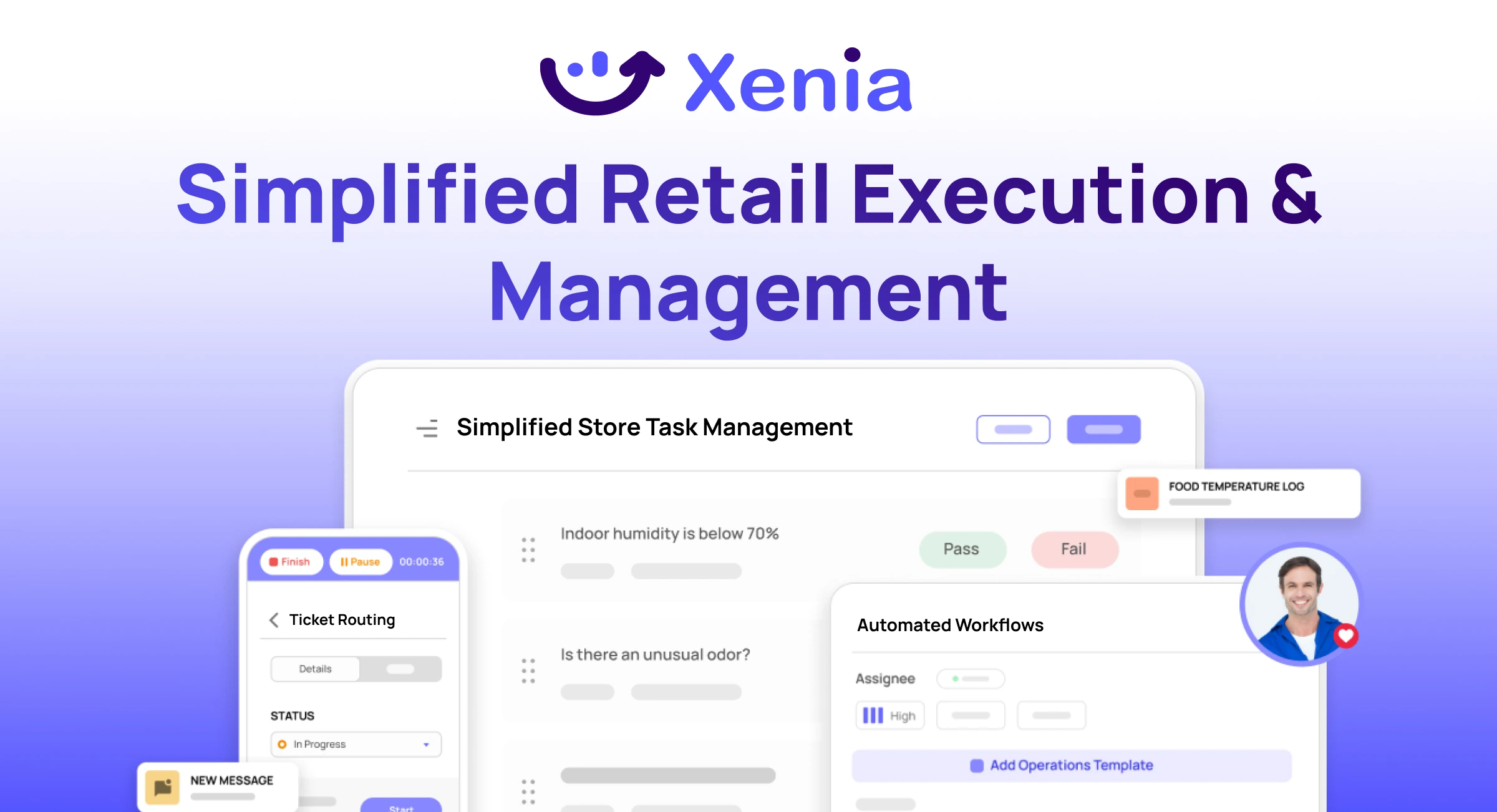
Why Retail Operators Choose Xenia:
🤖 AI-Powered Merchandising, Verify planograms, displays, and brand standards automatically with AI photo analysis. Build digital checklists instantly or convert existing merchandising guides.
🏬 Operations & Loss Prevention, Assign opening procedures, store walks, and resets across locations. Track theft, cash discrepancies, and security incidents with evidence and approval workflows.
📊 Real-Time Visibility, Compare audit scores and task completion across stores. Identify top and underperforming locations. Export reports for leadership reviews.
One platform for operations, merchandising compliance, and loss prevention across all locations.

.svg)
.webp)
%201%20(1).webp)

.svg)
%201%20(2).webp)




